Screen Layout
Note
SlickEdit® Core does not modify the Eclipse screen layout, so this information is intended only as
a brief overview. See "Workbench User Guide" in the Eclipse Help for more details about the Ec-
lipse layout.
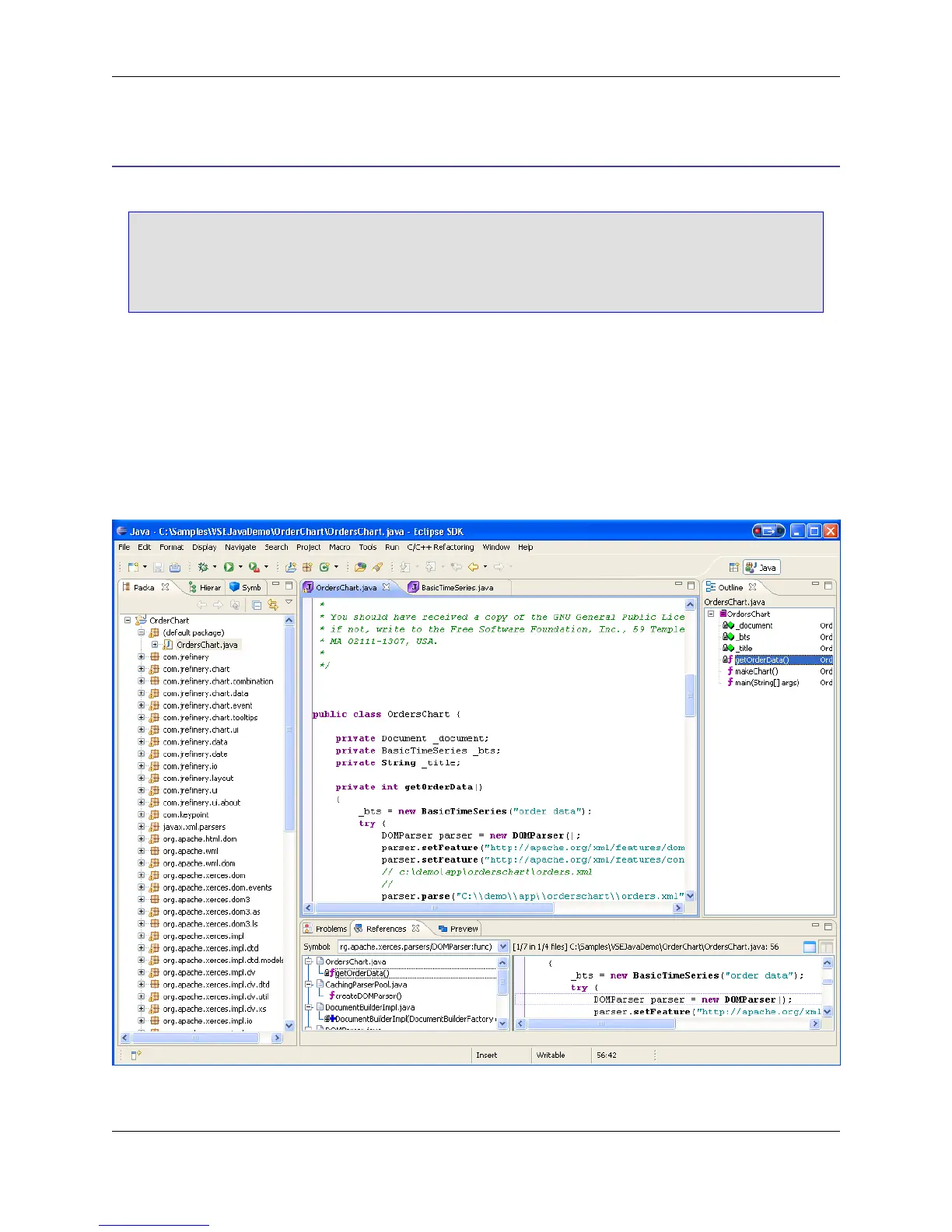
The Workbench
The workbench is the area where the workspace, projects, and programs are contained. Use the work-
bench to manage and edit all projects in various perspectives, views, or editors. Work may only occur in
one workbench at a time.
Figure 3.1. The Workbench
The Workbench
20



 To Next Page