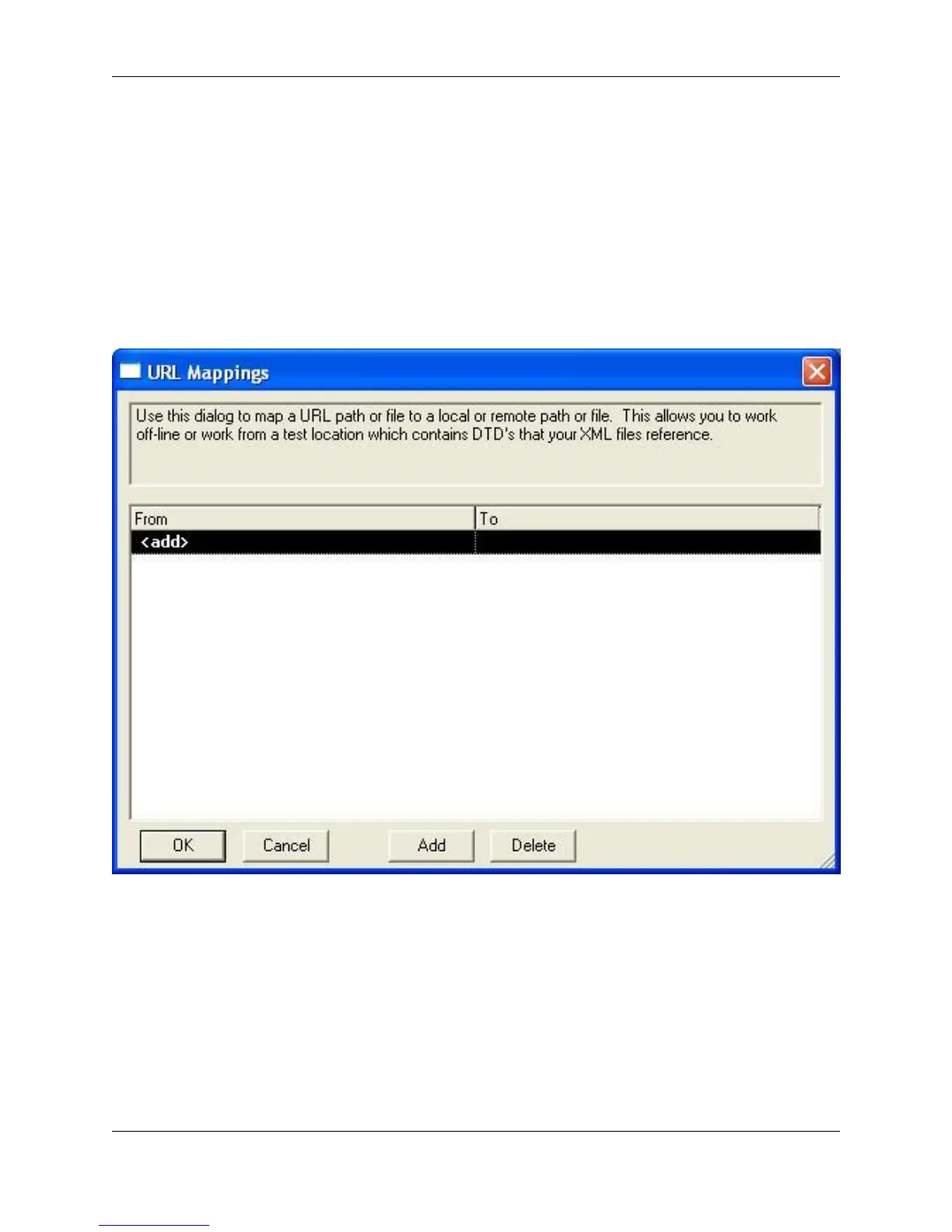
Map URLs to a different location. Whenever opening a URL, the URL map is examined to see if this URL
is mapped to a different location. If the URL is mapped to a different location, then that mapped location is
used.
This feature allows you to work offline or from a test location. For example, if you need to work with XML
documents that contain external DTDs while offline you can map the URL to the DTD to a local file. Simil-
arly, if you wanted to test changes to a DTD without modifying every XML documents DTD references,
you can map the URL to the test DTD location.
Figure 7.22. URL Mappings Dialog
To map a URL, complete the following steps:
1. From the main menu, click Window → Preferences, expand SlickEdit and click General in the tree,
then double-click the URL Mappings setting.
2. Click in the From text box that reads <add>.
3. Type in the URL that will be mapped to a different location.
4. Click on the To text box and type in the location to use for this URL.
XML
265



 To Next Page