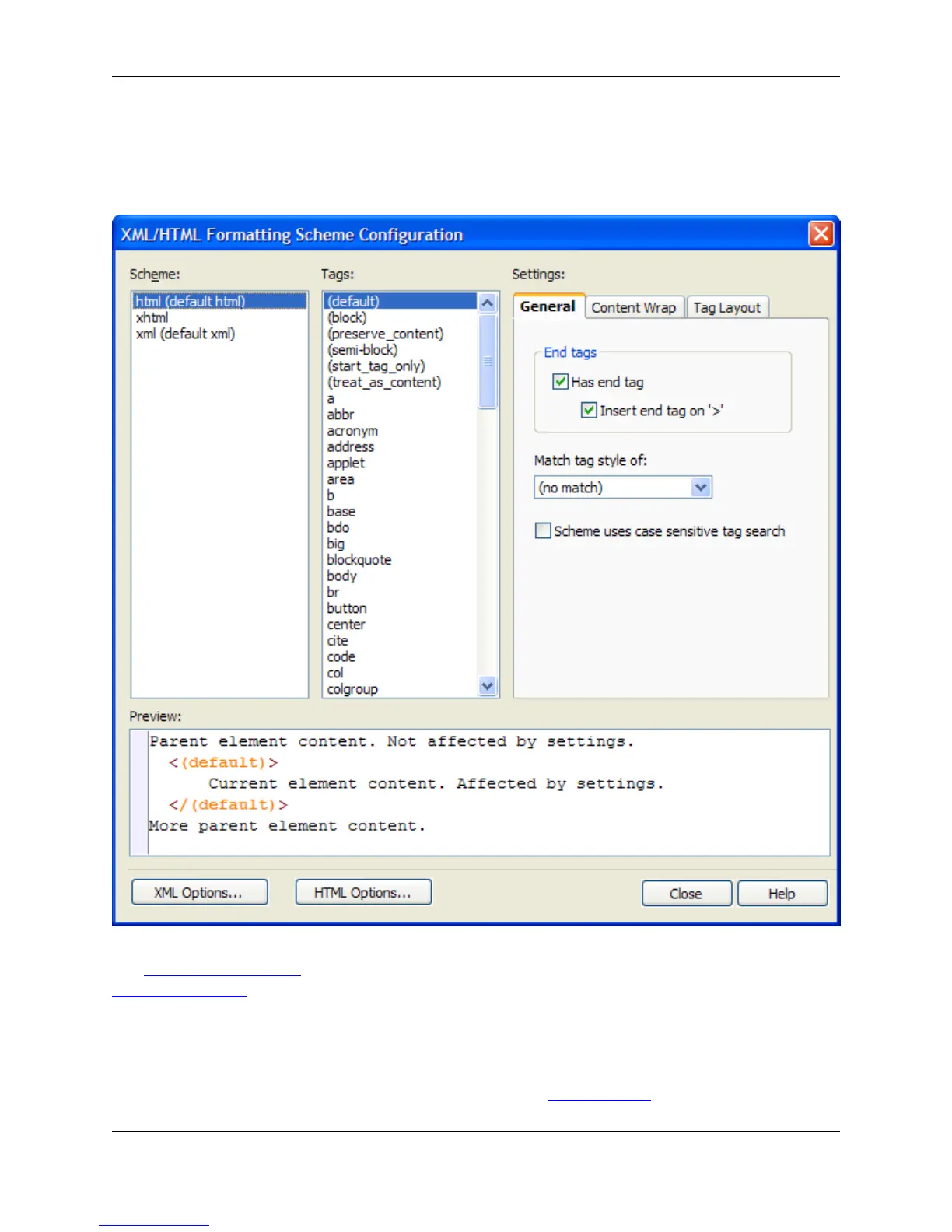
General in the tree, then double-click the XML/HTML Formatting setting. Alternatively, use the
xml_html_options command to display the dialog.
Figure 10.58. XML/HTML Formatting Dialog
See XML/HTML Formatting for information about enabling formatting and working with this feature. See
Formatting Settings for information about the General, Content Wrap, and Tag Layout tabs.
URL Mappings Dialog
This dialog allows you to map URLs to a different location. See URL Mappings for information.
URL Mappings Dialog
457



 To Next Page