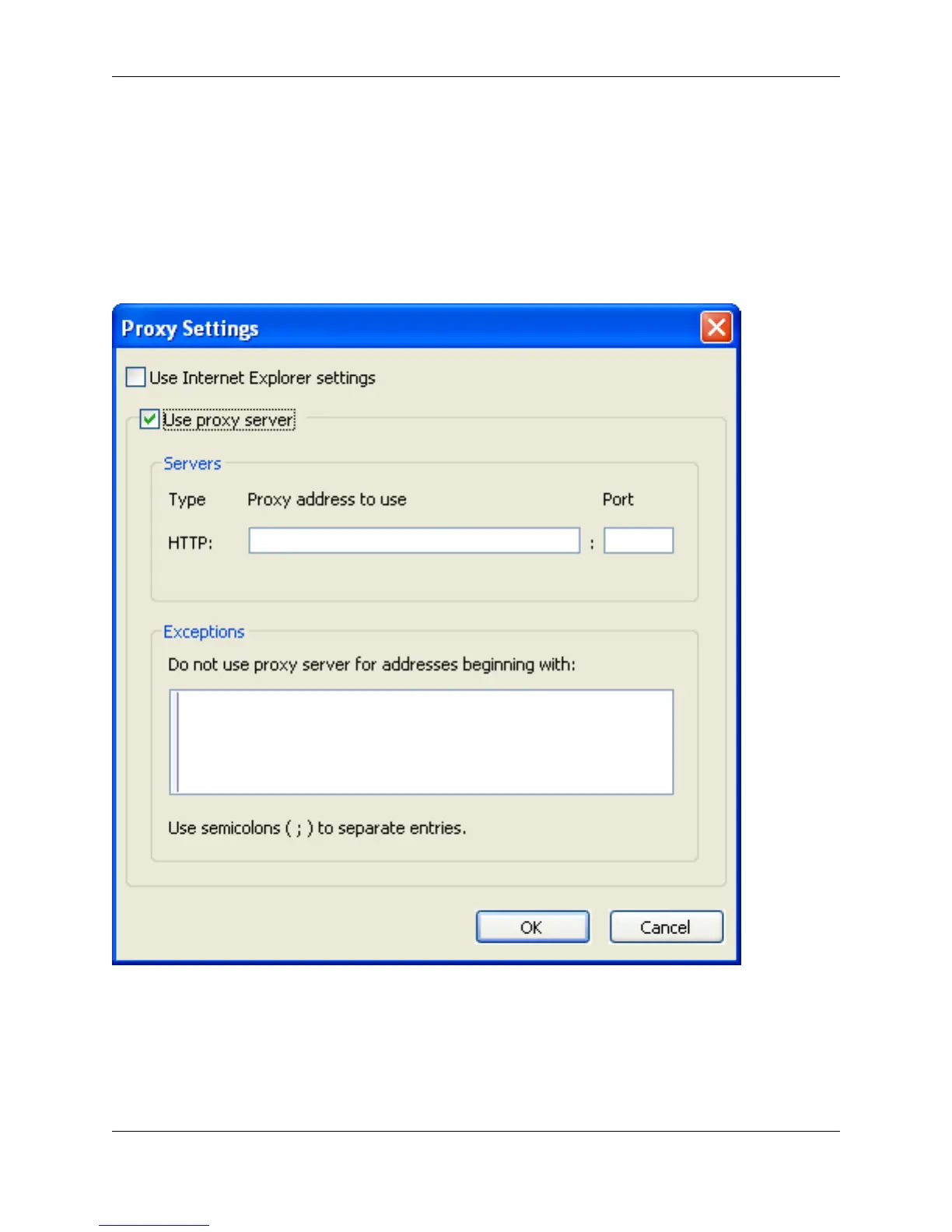
Proxy Settings Dialog
If you need to configure proxy settings for when SlickEdit® Core needs to use an Internet connection, use
the Proxy Settings dialog (Window → Preferences, expand SlickEdit and click General in the tree, then
double-click the Proxy Settings setting).
Figure 10.59. Proxy Settings Dialog
The following options are available:
• Use Internet Explorer settings - If selected, Internet Explorer settings will be used, and the remaining
options and fields on the dialog will be unavailable.
• Use proxy server - If selected, the remaining options and fields will become available.
Proxy Settings Dialog
458



 To Next Page