Tools Dialogs
This section describes SlickEdit Core dialogs related to tools and utilties. See Chapter 8, Tools and Utilit-
ies for more information.
Organize Imports Options Dialog
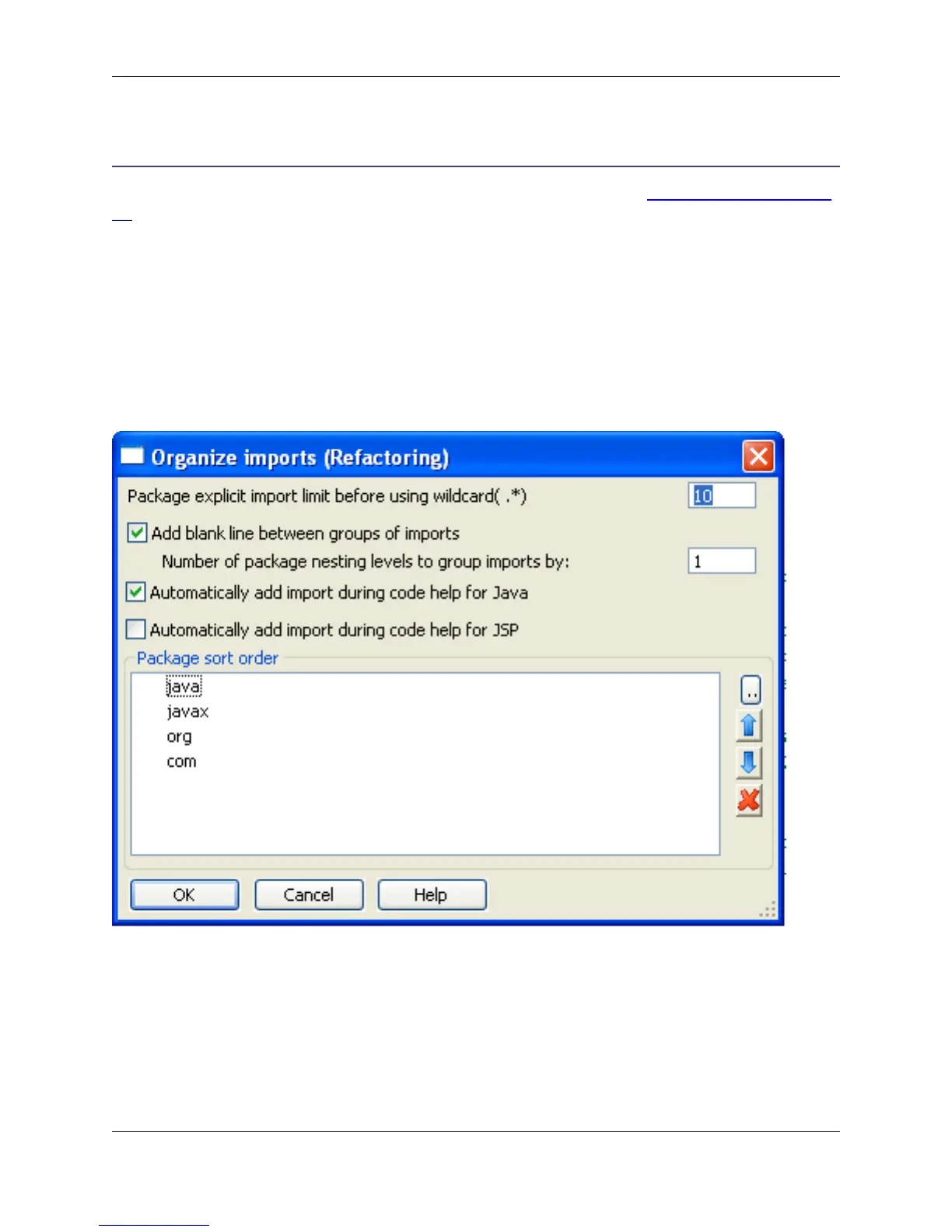
The behavior of the Organize Imports and Add Import features is controlled by the options on the Organ-
ize Imports Options dialog box, pictured below. This dialog can be accessed by right-clicking in the editor
and selecting Imports → Options.
Figure 10.17. Organize Imports Options Dialog
The following settings are available:
• Package explicit import limit before using wildcard(.*) - If more than this number of classes are ex-
plicitly imported from the same package in one file, the imports will be replaced with a single wildcard
import.
• Add blank line between groups of imports - Organize Imports will group imports by package name
or top-level package name. Select this option to force Organize Imports to add a blank line between
Organize Imports Options Dialog
369



 To Next Page