Views
Views are windows that show various types of information that you can move around and dock within Ec-
lipse. See SlickEdit Views for information.
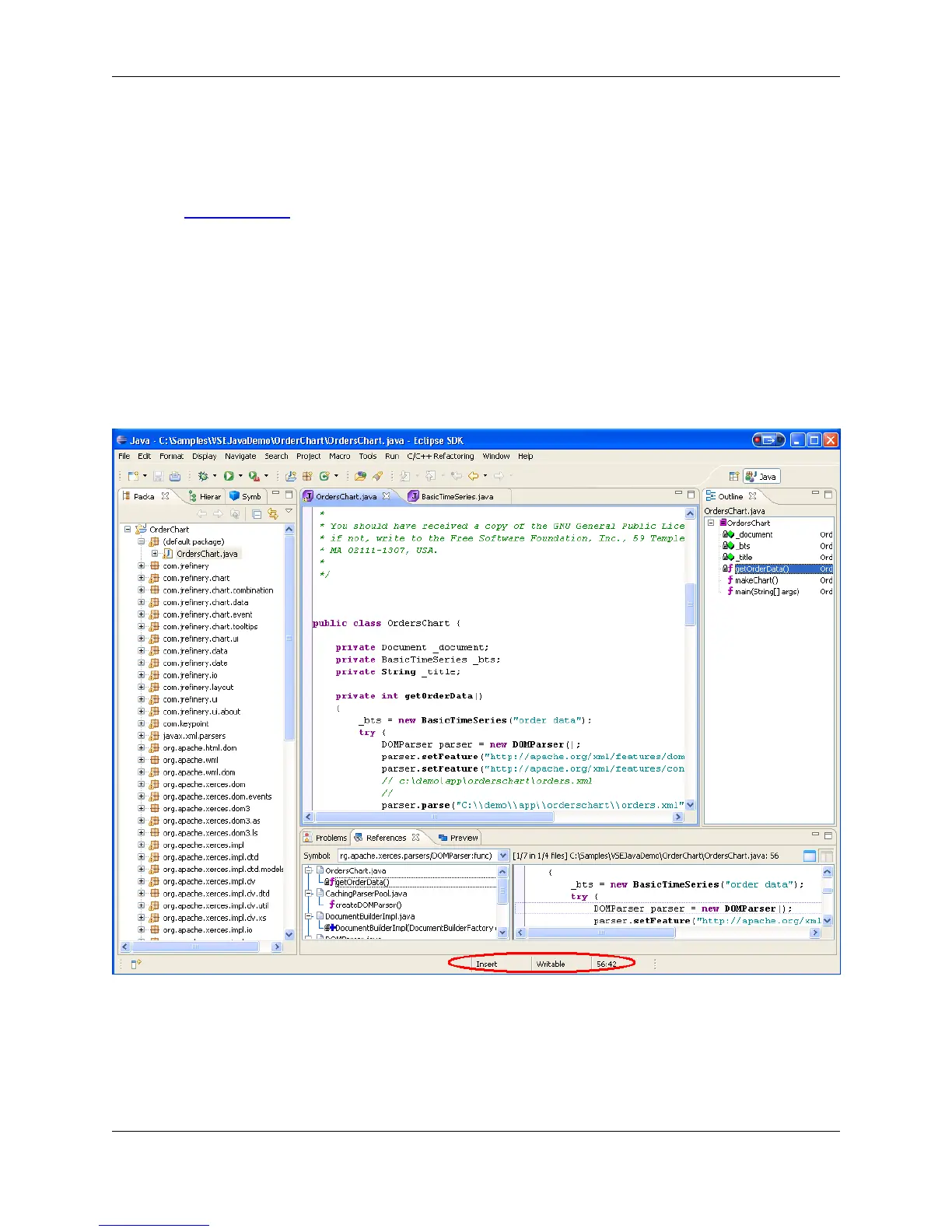
Status Area
The status area for a perspective and an editor displays text messages. It indicates if the current mode is
insert, overwrite, or replace, and if a file is read-only. The editor status area also displays the line and
column number for the cursor location.
Figure 3.4. Status Area
Dialogs
Although SlickEdit® Core shares a heritage with our stand-alone editor, SlickEdit, dialogs within SlickEdit
Core may contain options that are not available when the functionality is not applicable to the Eclipse en-
lipse Editors
25



 To Next Page