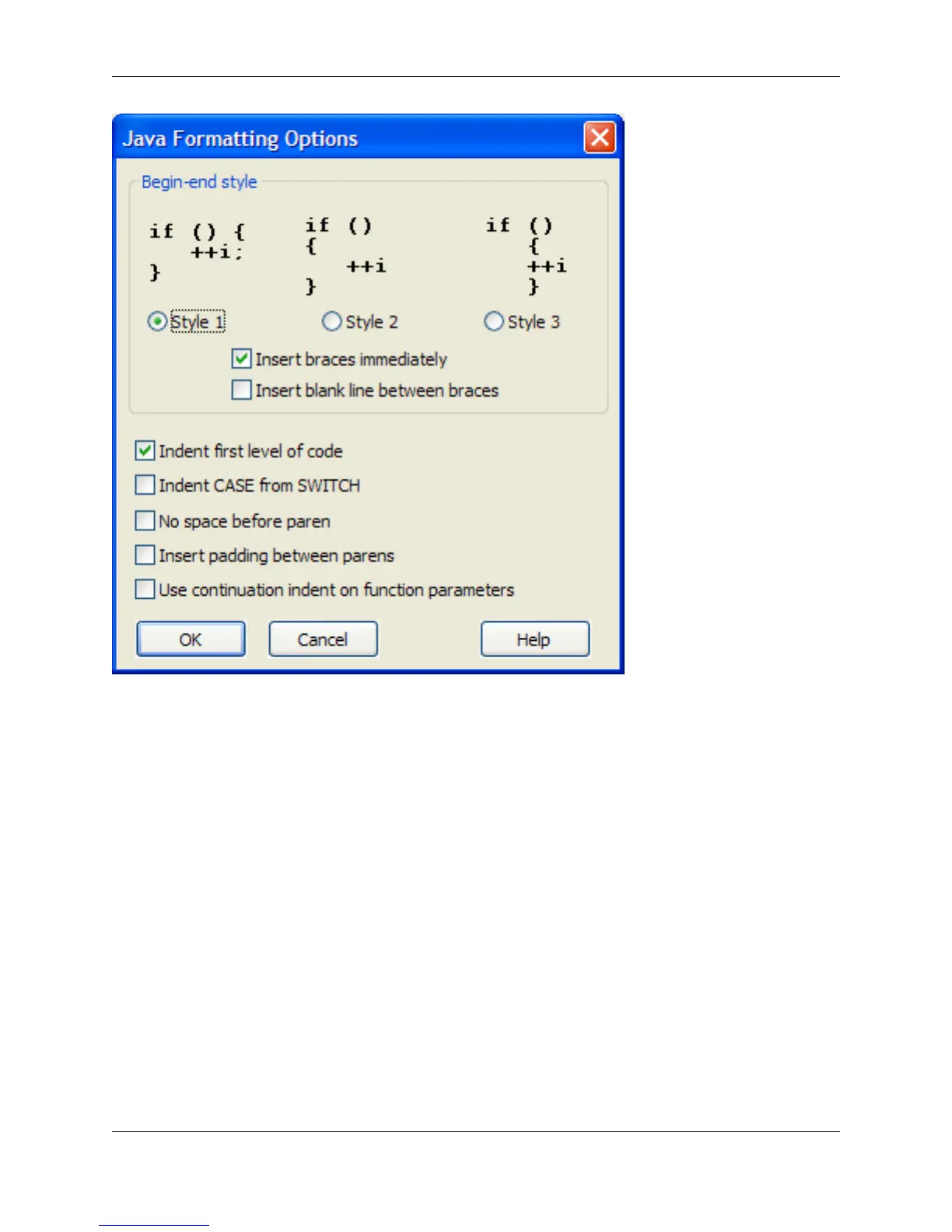
The following settings are available:
• Begin-End Styles - Specify the brace style to be used for template editing and smart indenting, then
choose from the following options:
• Insert braces immediately - Specifies whether template should be inserted with braces.
• Insert blank line between braces - Specifies whether a blank line should be inserted between
braces when a template expands with braces.
• Indent first level of code - Specifies whether smart indenting should indent the cursor after declara-
tions such as functions.
• Indent CASE from SWITCH - When checked, template editing places the case statement indented
from the switch statement column.
• No space before paren - Determines whether a space is placed between a keyword such as if, for, or
while and the open paren when syntax expansion occurs. Example: (if( or if ()
• Insert padding between parens - When checked, a space is placed after the open paren, and before
the close paren, providing padding for the enclosed text. For example, if () becomes if ( ).
Java Formatting Options
249



 To Next Page