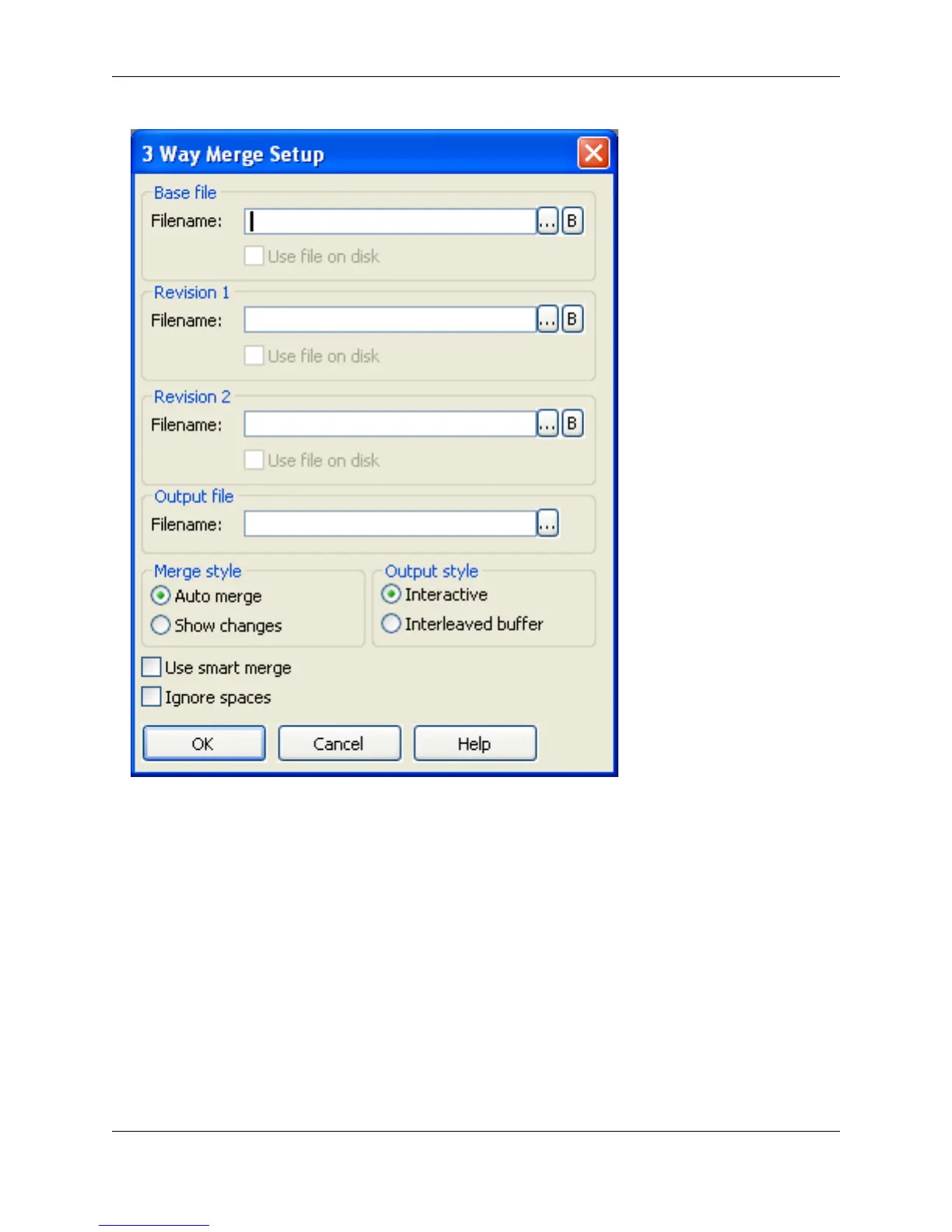
2. In the Filename text box, enter the baseline (original) file name. Click the Ellipses button to the right of
the text box to select files. Click the B button to select from the open buffers.
3. Enter the other names of the files to be merged in the Revision 1 and 2 text boxes.
4. In the Output file Filename text box, enter the name of the output file, or click the Ellipses button to
select from an existing file.
5. Select any Merge style or Output style that you want.
6. Click OK. The following dialog box is displayed with the results of the 3-Way Merge:
Figure 8.5. 3-Way Merge Results Dialog
3-Way Merge
315



 To Next Page