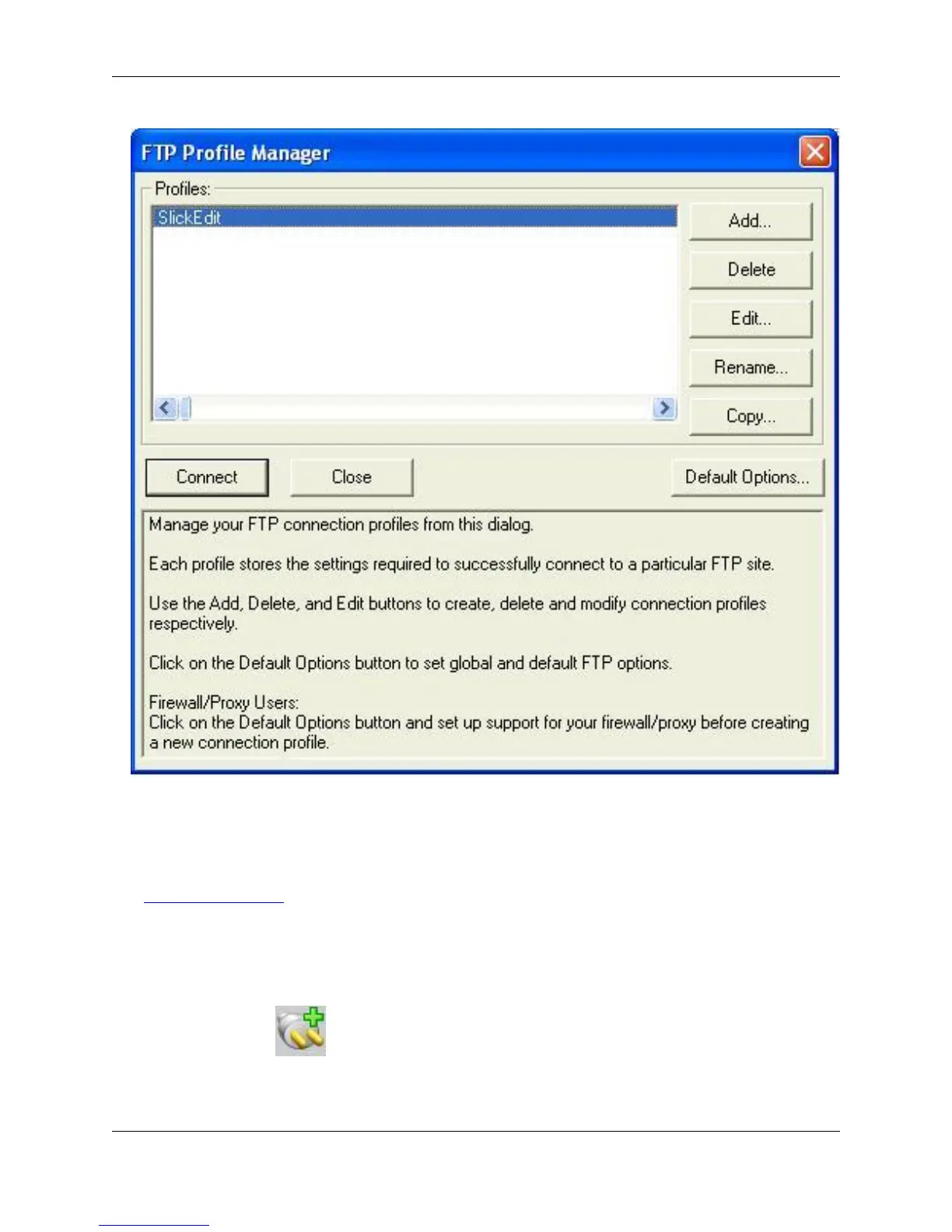
2. Click Add to create a new profile. The Add FTP Profile dialog box is displayed.
3. Click Edit to Edit a profile. The Edit FTP Profile dialog box is displayed.
See Setting FTP Options for information about the options on the Add or Edit FTP Profile dialogs.
Starting a Connection
To start a new connection, use the FTP view described above, and complete the following steps:
1. Click the FTP button to start a new session.
2. The FTP Profile Manager dialog box appears. From the Profiles list, select the profile name to connect
to.
Working with FTP
319



 To Next Page