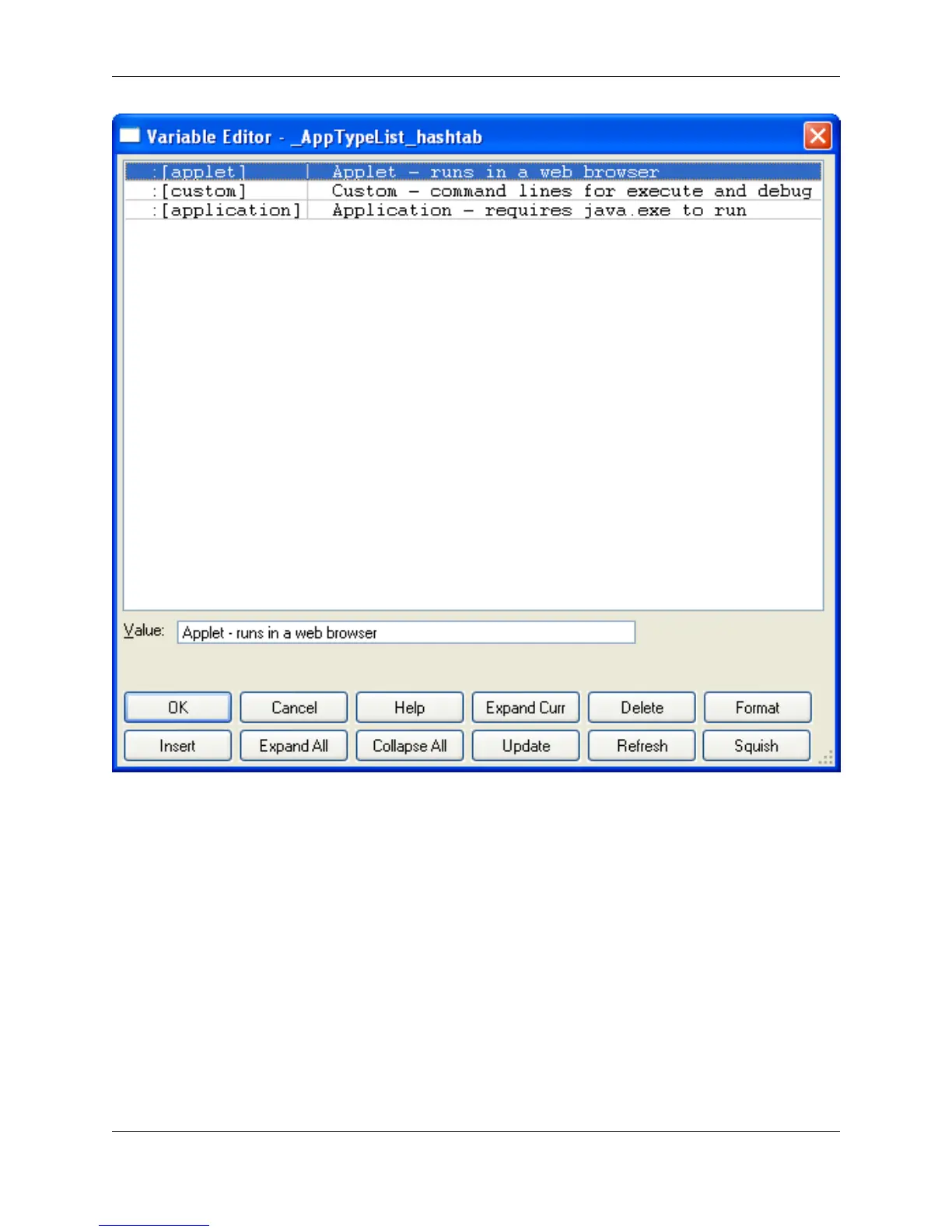
The data structure of the variable is displayed in the list box at the top of the dialog, and the value for
each entry is displayed in the Value text box.
The following buttons are available:
• Expand Curr - Expands current item which has a Plus (+) bitmap.
• Delete - Deletes current item.
• Format - Allows you to change the type of the current item.
• Insert - Inserts a new hash table or array element.
• Expand All - Expands all items so you can see the entire data structure.
• Collapse All - Display first level of variable with nothing expanded.
Variable Editor Dialog
363



 To Next Page