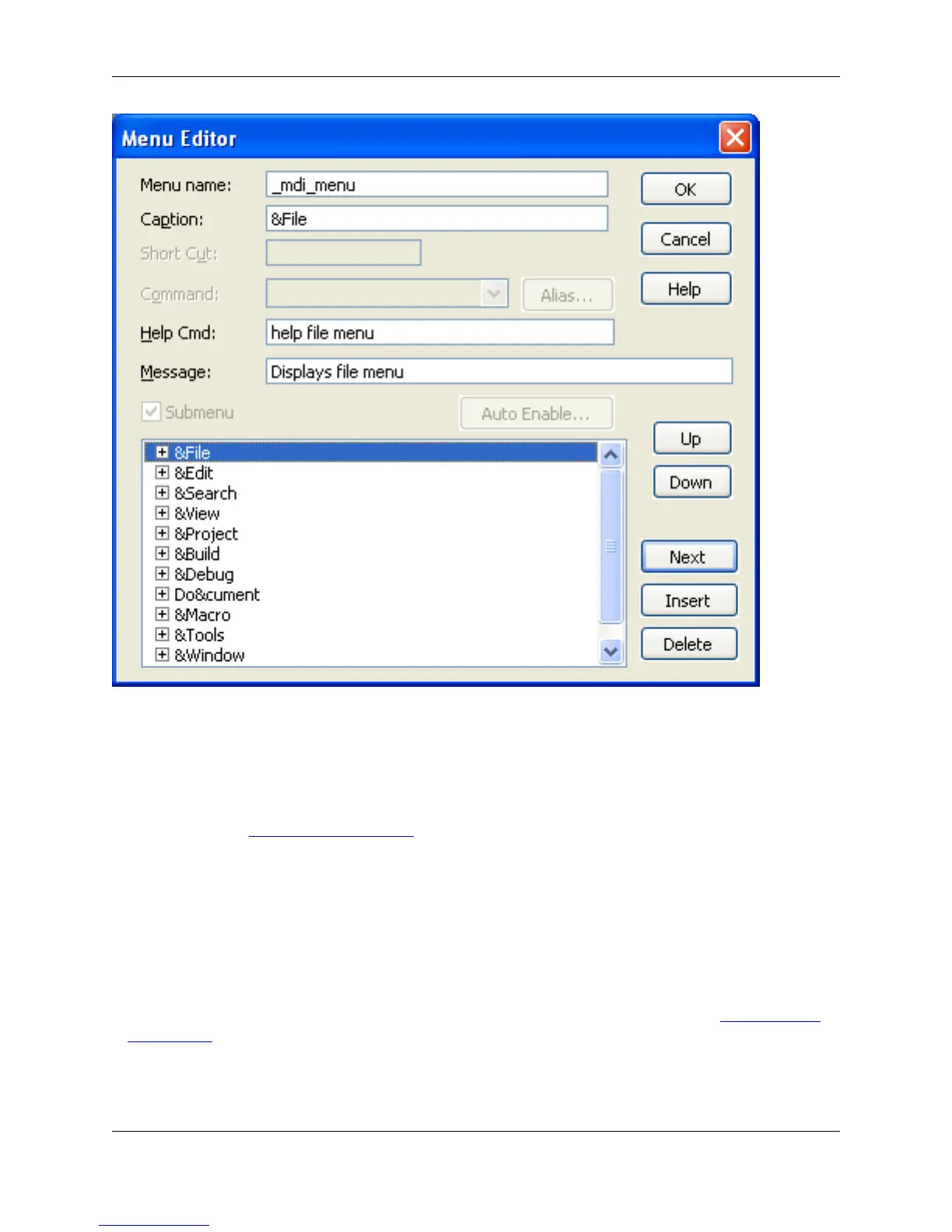
The following fields and settings are available:
• Menu name - Name of the current menu resource. You can define your own menu resource which is
used instead of our menu bar WITHOUT changing the name of our default menu bar _mdi_menu. Use
the -m invocation option (for example, -m mymenu) or set the def_mdi_menu macro variable to your
menu name (see Setting Macro Variables).
• Caption - Title displayed for the menu item. For menu items, set the caption to "-" to specify a line sep-
arator.
• Short Cut - Key binding shortcut for the menu item.
• Command - Macro command executed when the menu item is selected. This may be an internal
macro command or a command line for running an external program.
• Alias - Displays the Menu Item Alias dialog box to set an alias for the menu item. See Defining Menu
Item Aliases.
• Help Cmd - Macro command executed when F1 is pressed when the menu item is selected. Usually it
is a help or popup_imessage command. For example, if you specified gui_open as the menu item
Menu Editor Dialog
365



 To Next Page