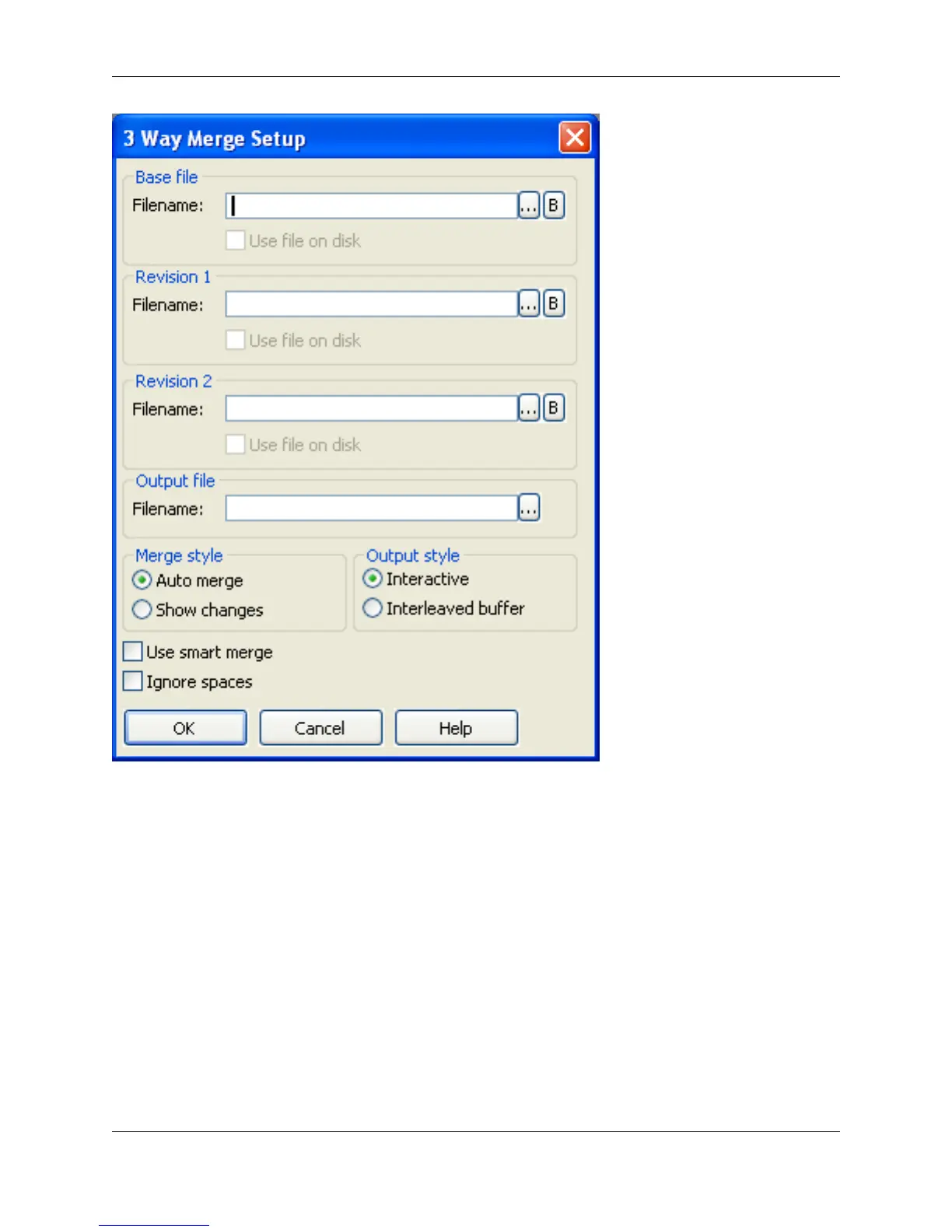
The Ellipses buttons to the right of the text boxes are used to select files. The B buttons to the right of the
text boxes are used to select from the open buffers.
The list below describes the remaining fields and settings:
• Base file - Specifies the file/buffer name of the original source file before any changes are made.
• Revision 1 and 2 - Specifies the file/buffer names of the modified versions of the base file.
• Output file - Specifies the output file name.
• Merge style - The following merge styles are available:
• Auto merge - If selected, if a change does not cause a conflict, the change is automatically applied
to the output file and no indication is made that the change was already applied.
• Show changes - If selected, if a change does not cause a conflict, the change is automatically ap-
3-Way Merge Dialog
371



 To Next Page