More Tab
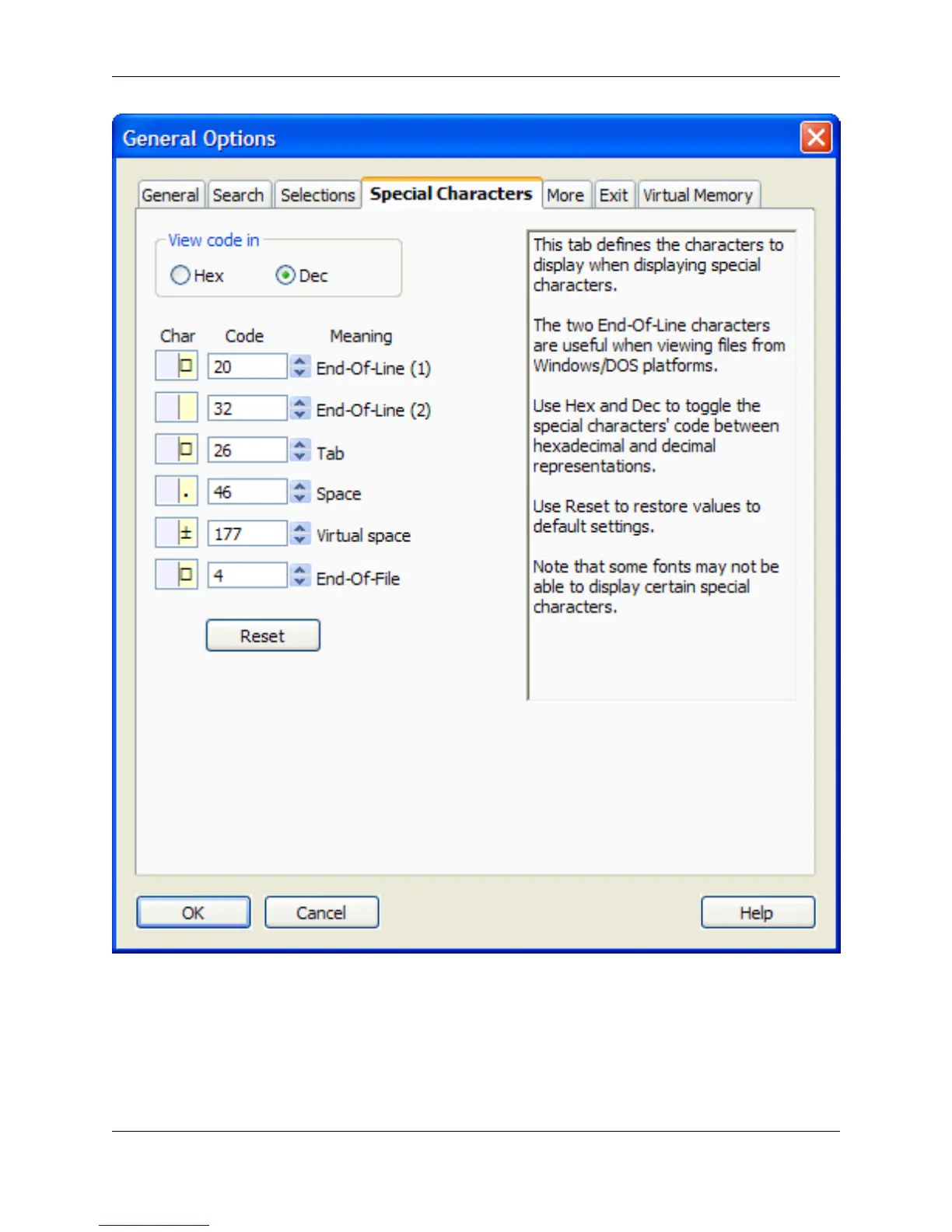
The More tab, pictured below, contains additional options that can be set for working with SlickEdit®
Core. To access these options, click Window → Preferences, expand SlickEdit and click General in the
tree, then double-click the General setting. On the General Options dialog, select the More tab.
General Options Dialog
390



 To Next Page