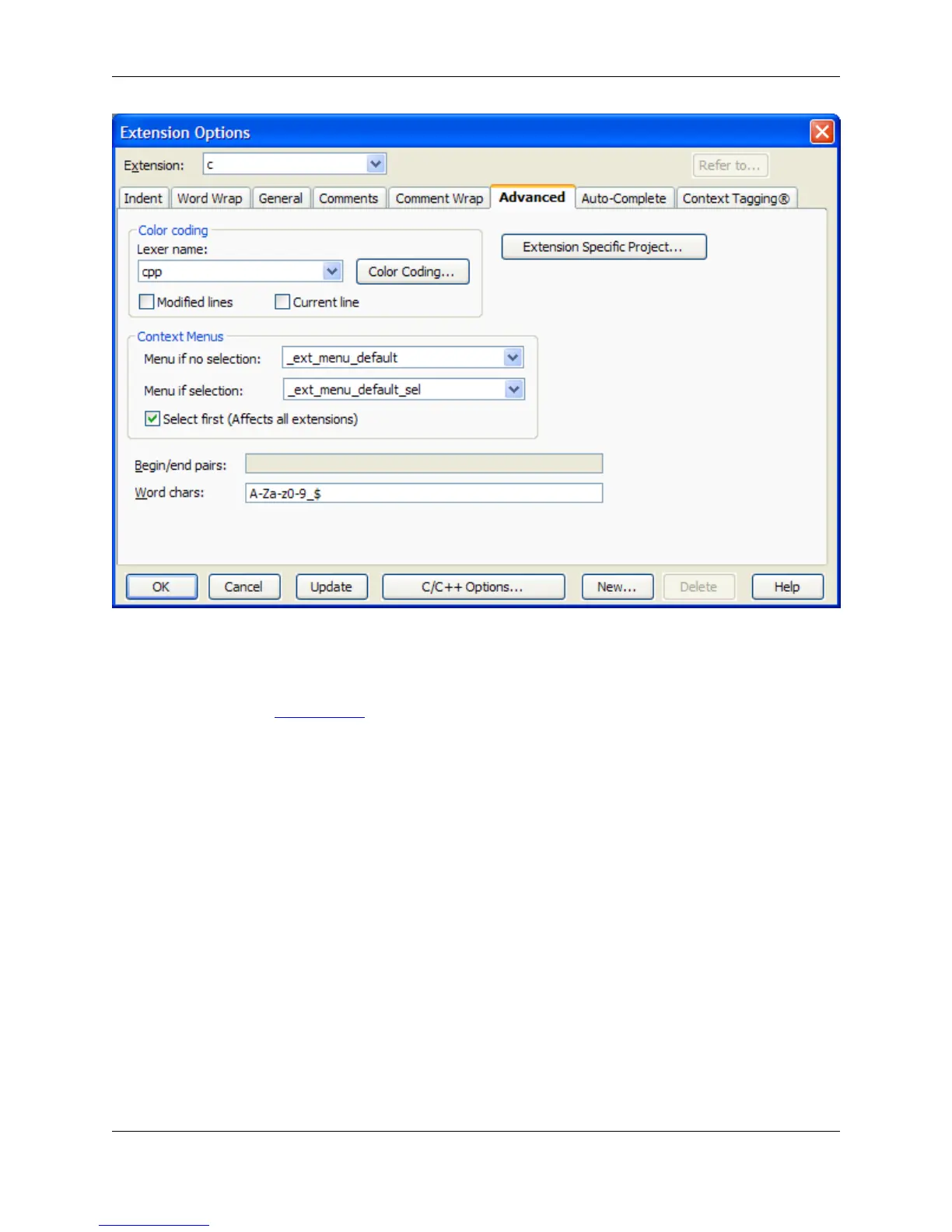
The following options and settings are available:
• Color coding options - The options below affect Color Coding. For more information about working
with this feature, see Color Coding.
• Lexer name - Use the drop-down list to select the lexer to use to recognize elements to be colored.
• Color Coding - Click this button to display the Color Coding Setup dialog, allowing modification of
language-specific color coding for the current language.
• Modified lines - If selected, lines that have been modified are color-coded.
• Current line - Check on Current line to color-code the current line.
• Extension specific project - (Not available in SlickEdit Core.) Click this button to set project properties
specific to a file extension.
• Context Menus - These options specify which context menu to display in the editor window base on
whether a text selection is made in the editor window.
• Menu if no selection - This specifies the menu that is displayed when right-clicking in an edit win-
dow that does not have a selection.
• Menu if selection - This specifies the menu that is displayed when right-clicking in an edit window
that has a selection.
Extension Options Dialog
414



 To Next Page