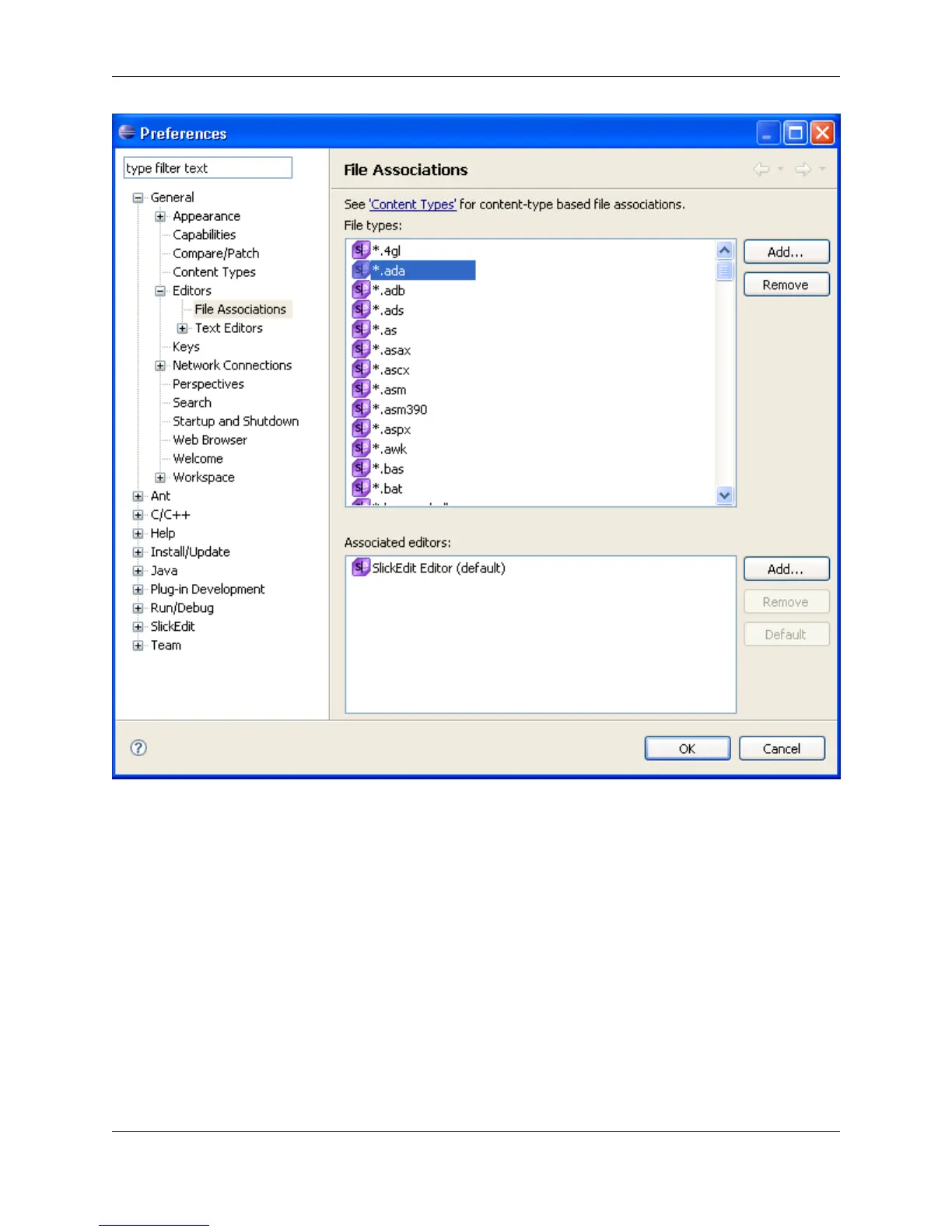
To associate files to edit, complete the following steps:
1. From the main menu, click Window → Preferences.
2. Expand General, then expand Editors and select File Associations.
3. From the File Types list, select the desired file type. Or, to add an extension, click Add.
4. From the Associated Editors list, select the desired editor.
5. To make this the default editor for this file type, click the Default button.
6. Click OK.
Source files can be opened with the SlickEdit Core editor in the following ways:
The SlickEdit® Core Editor
22



 To Next Page