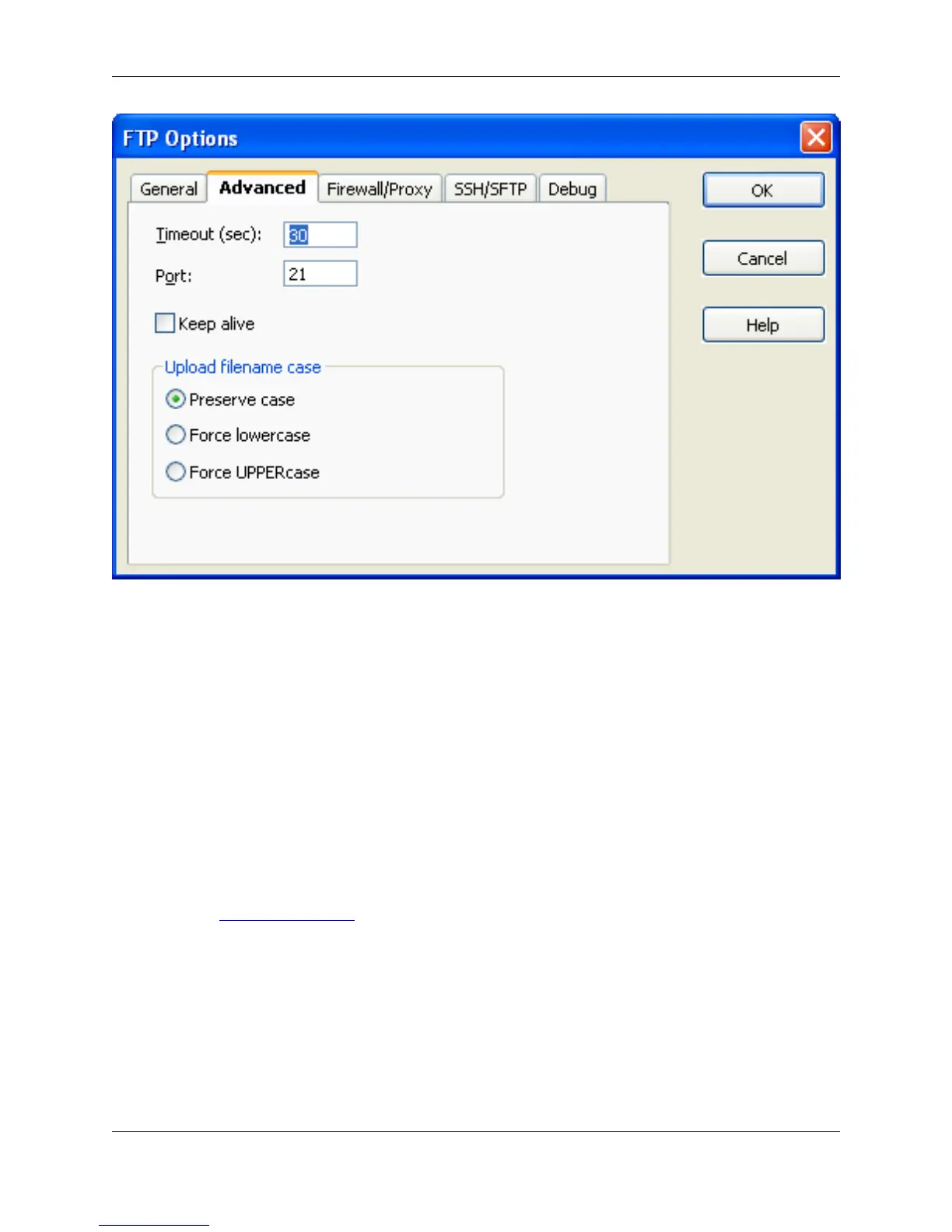
• Timeout (sec) - Default used when adding a new connection profile. Specifies the wait time for a reply
from the FTP server.
• Port - Default used when adding a new connection profile.
• FTP port - By default, this is 21.
• Keep alive - Default used when adding a new connection profile. Keeps a connection alive even when
idle.
• Upload filename case - Default used when adding a new connection profile. Indicates what file case
should be used for the remote file name based on the local file name.
Firewall/Proxy Tab
This tab on the FTP Options Dialog is used to configure firewall and proxy settings for FTP.
Figure 10.64. FTP Options: Firewall/Proxy Tab
FTP Options Dialog
463



 To Next Page