Setting the language
Before using the watch, make sure you have the correct time
zone and language.
Open the Settings app in the main menu, and tap
Language to set your desired language.
Chapter 2 Getting started
Or go to
Pairing with your phone and SLIDE Fitness app
1. Installing the SLIDE Fitness App
SLIDE Fitness is an application specially designed for SW375,
which allows user to access more features for the watch.
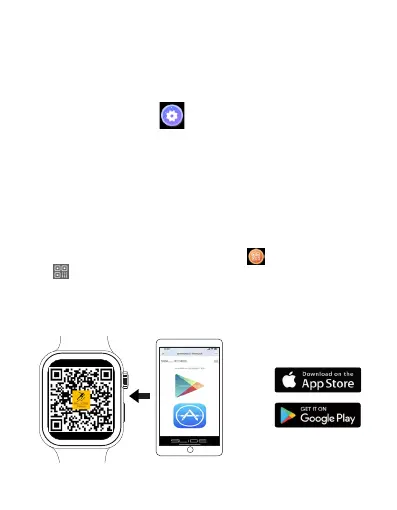
To download the SLIDE Fitness, use your phone camera to scan
the QR code shown below, and tap the pop up link ( You can also
view the QR code by tapping the QR icon on the settings, or
the icon on the shortcut menu of the watch). In addition, you
can also search for "SLIDE Fitness" in the Google Play Store (for
Android users) or Apple App Store (for iOS users). Then follow
the onscreen instruction to install the SLIDE Fitness App.
EN 10



 To Next Page