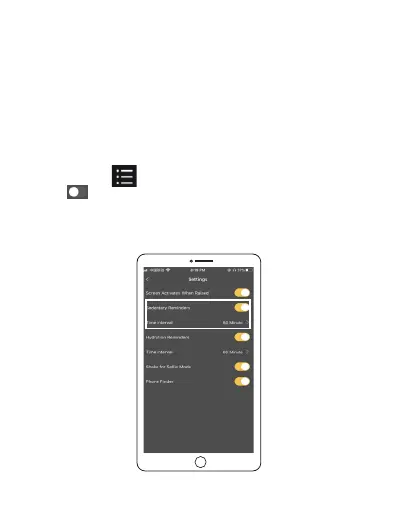
Sedentary reminder settings
With the built-in sensor, your watch can detect and monitor
the amount of time you have spent sitting (sedentary time).
The watch's Sedentary reminders tracks your daily sedentary
time to help you do more exercise and keep healthy.
Start tracking your sedentary time
1. Make sure your watch is connected to your phone and
SLIDE Fitness App. Open the SLIDE Fitness app in your phone
, tap Health > > Settings to enter the watch settings.
2.Tap to turn the Sedentary reminder on, and choose
sedentary time interval. When you reaches the sedentary
time, your watch will display an icon and vibrate to prompt
you to get up and move.
EN 32



 To Next Page