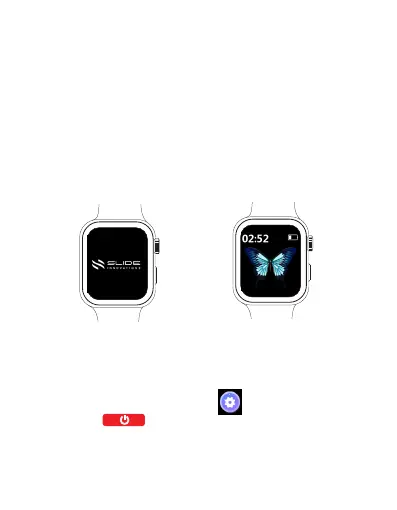
Powering on your watch
Press and hold the Power button for about 2 seconds until the
SLIDE logo appears. When your watch is powered on, it will
automatically enter watch face screen.
If you power on the watch when the battery level is very low,
the watch will notify you and advise you to charge your watch.
The watch will turn off after 2 seconds, and you will be unable
to power it on until you charge it.
Powering on/o
Powering off your watch
There are two methods to power off your watch.
Method 1: Press and hold the Home button for about 2
seconds until the SLIDE logo appears.
Method 2: Open the Settings app in the main menu, and
tap About > to power the watch off.
When your watch's battery level is very low, it will vibrate to
notify you and automatically power off.
EN 8



 To Next Page