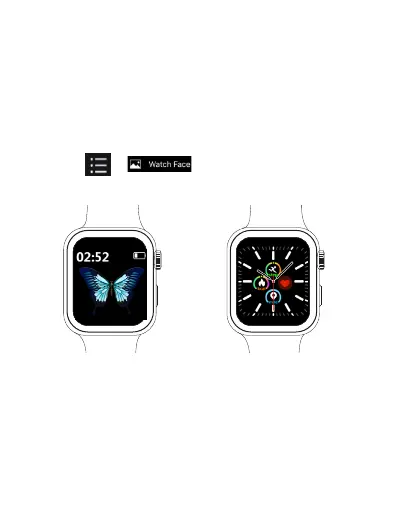
Changing watch face
You can change the watch face with either of these methods:
Method 1: Touch and hold on the watch face to access the
watch face selection menu. Swipe left and right to navigate
through the menu, select your desired picture and tap it to
change watch face.
Method 2: Open the SLIDE Fitness app in your phone, tap
Health > > to enter watch face screen, and
choose your desired picture as the watch face.
EN 34



 To Next Page