Sleep tracking
The sensor in the watch is capable of tracking your sleep
quality when you wear it, including sleep duration as well as
different sleep cycle phases.
Start Sleep tracking
Before you sleep, wear your watch, then open the Sleep
Monitor app in the main menu. It can automatically
detect when you fall asleep, wake up, and whether you are in
light or deep sleep.
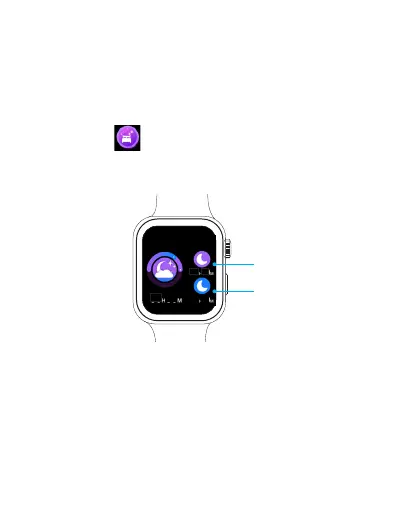
Viewing Sleep data
You can view your sleep data in the watch or SLIDE Fitness
App after syncing your sleep data with your phone.
0602
09
08
07 02
Light sleep time
Deep sleep time
EN 22



 To Next Page