Chapter 5 Apps
Bluetooth Music
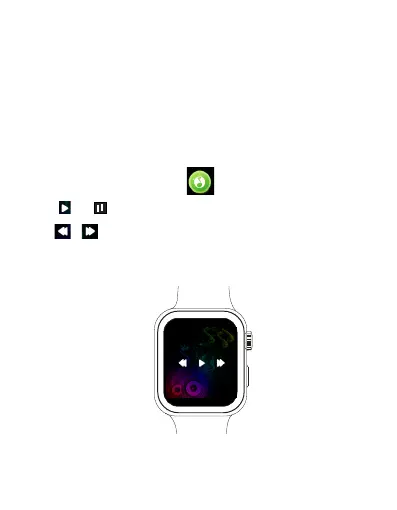
The BT Music app allows you to control and play your
phone’s music through your watch.
1. Ensure the watch is paired with your phone and SLIDE
Fitness App. Open the music app of your choice, and the song
or podcast you want to listen to (If you skip this step, the
watch will just resume what you were last listening to).
2. Open the BT Music app in the main menu to start
remote music control.
Tap / to play or pause the music playback.
Tap / to skip to previous or next track.
You can raise or lower the playback volume on the watch
through your connected device's volume control.
EN 26



 To Next Page