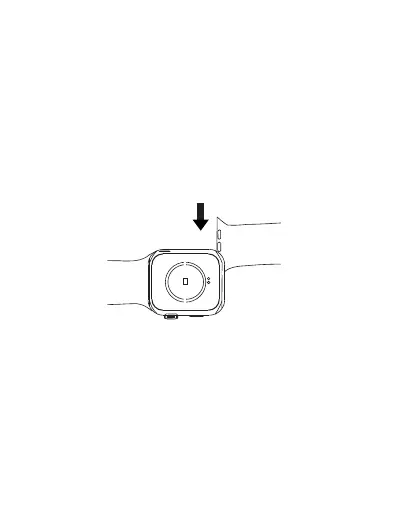
Adjusting the strap
Place the strap button hole end onto the button end, adjust its
length until it is comfortable on your wrist, and then insert the
button into a hole to secure it.
Replacing the strap
Pull and slide the strap outwards to remove your current strap.
As seen in the figure below, insert your new strap into the
strap slot, then push and slide it inwards to attach it.
EN 35



 To Next Page