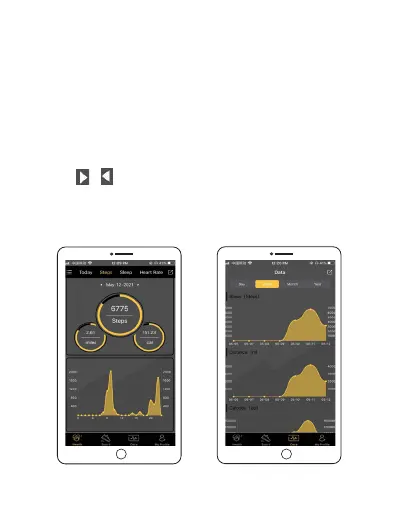
Viewing fitness and health data in SLIDE Fitness app
You can view more detailed information about your fitness
and health data in the SLIDE Fitness app.
To view your fitness and health data:
1. Open SLIDE Fitness, and tap Health or Sport on the bottom
to enter the Health or Sport data section of the app. In Health
Data section, tap Today, Steps, Sleep or Heartrate on the top
to view detailed dialy reports. You can switch these directions
like this / next to the date display to select a different day.
2. Tap Data on the bottom to enter the summarized data
section. You can select daily, weekly, monthly and yearly
reports to review.
EN 25



 To Next Page