TP303 – Operation, Maintenance and Instructions Manual
3.18
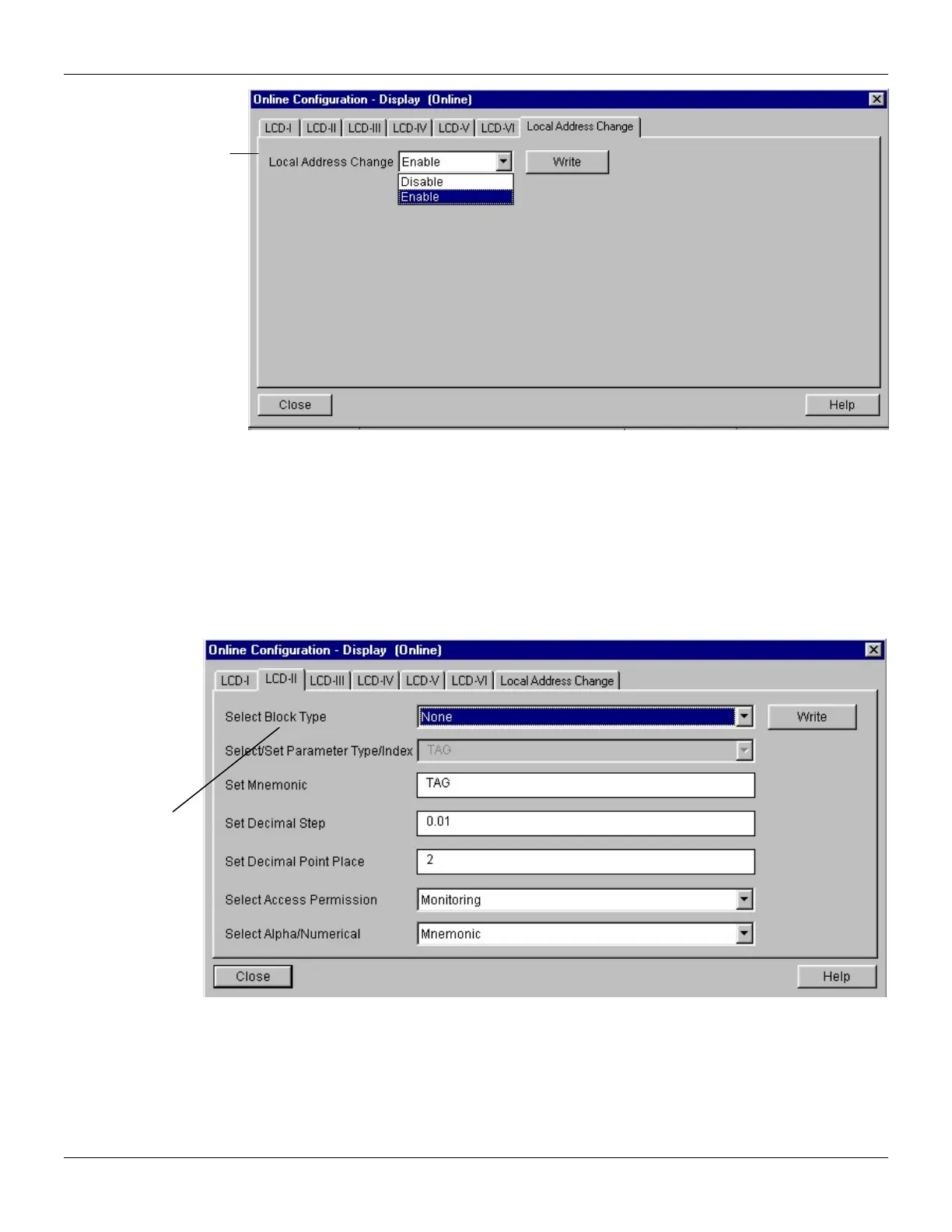
Figure 3.18 - Parameters for Local Adjustment Configuration
When the user enter into the local adjustment and rotate the parameters using the magnetic tool,
after escaping to normal operation, e.g., the monitoring, if the parameter when the magnetic tool is
removed has "Access Permission equal to "monitoring", then this last parameter will be shown at the
LCD.
Always on the LCD interface will be shown two parameters at the same time, switching between the
configured parameter at the LCD-II and the last monitoring parameter. If the user do not want to
show two parameters at the same time, it is only necessary to opt for "none" when configure the
LCD-II:
Figure 3.19 - Parameters for Local Adjustment Configuration
The user can select the Mode Block parameter at the LCD. In this case is necessary to select the
index equal to Mode Block:
“None”, only
the last chosen
monitoring
parameter will
be shown at
LCD.
“Enable” is selected,
the user can change
the physical device
address.



 To Next Page