3| INSTALLING YOUR SMART BOARD 685IX PREMIUM INTERACTIVE
WHITEBOARD SYSTEM
Mounting your SMART Board 685ix
interactive whiteboard system on a
FUWM-600
Important
Before mounting your interactive whiteboard system on the FUWM-600, carefully read
and observe the following instructions to ensure operating safety and to prevent
damage to your product.
WARNINGS
• Failure to follow these instructions could result in personal injury and product
damage
• Two people are required to safely mount your projector and interactive
whiteboard on the wall mount because they could be too heavy for one
person to safely maneuver. When you lift your interactive whiteboard, you and
your assistant should stand on either side of the screen, supporting its weight
at the bottom corners while balancing the top with your other hands.
• Do not leave cables on the floor where they can be a tripping hazard. If you
must run a cable over the floor, lay it in a flat, straight line and secure it to the
floor with tape or a cable management strip of a contrasting color. Handle
cables carefully and avoid excessive bending.
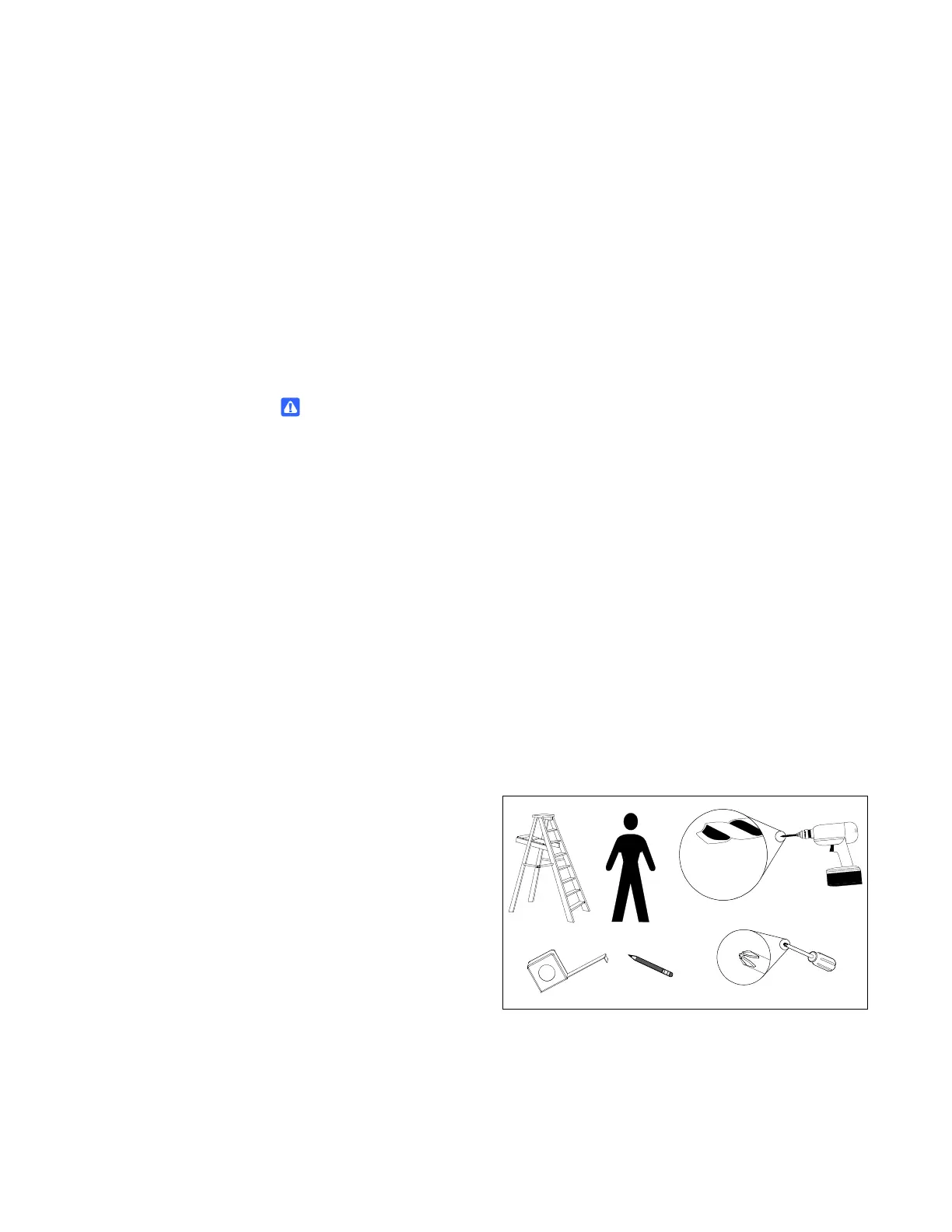
Tools required
To mount your interactive whiteboard on the FUWM-600 wall mount, you need the
following tools, which aren’t included with your interactive whiteboard system:
• a Phillips® No. 2
screwdriver (all screws
must be tightened by
hand)
• an electric drill with a
1/8" (3 mm) and a
1/4" (6 mm) drill bit
• a measuring tape
• a pencil
• a stepladder
1/8" (3 mm)
and
1/4" (6 mm)
No. 2
×2



 To Next Page