Chapter 2 Installing and maintaining the display
docs.smarttech.com/kb/171897 12
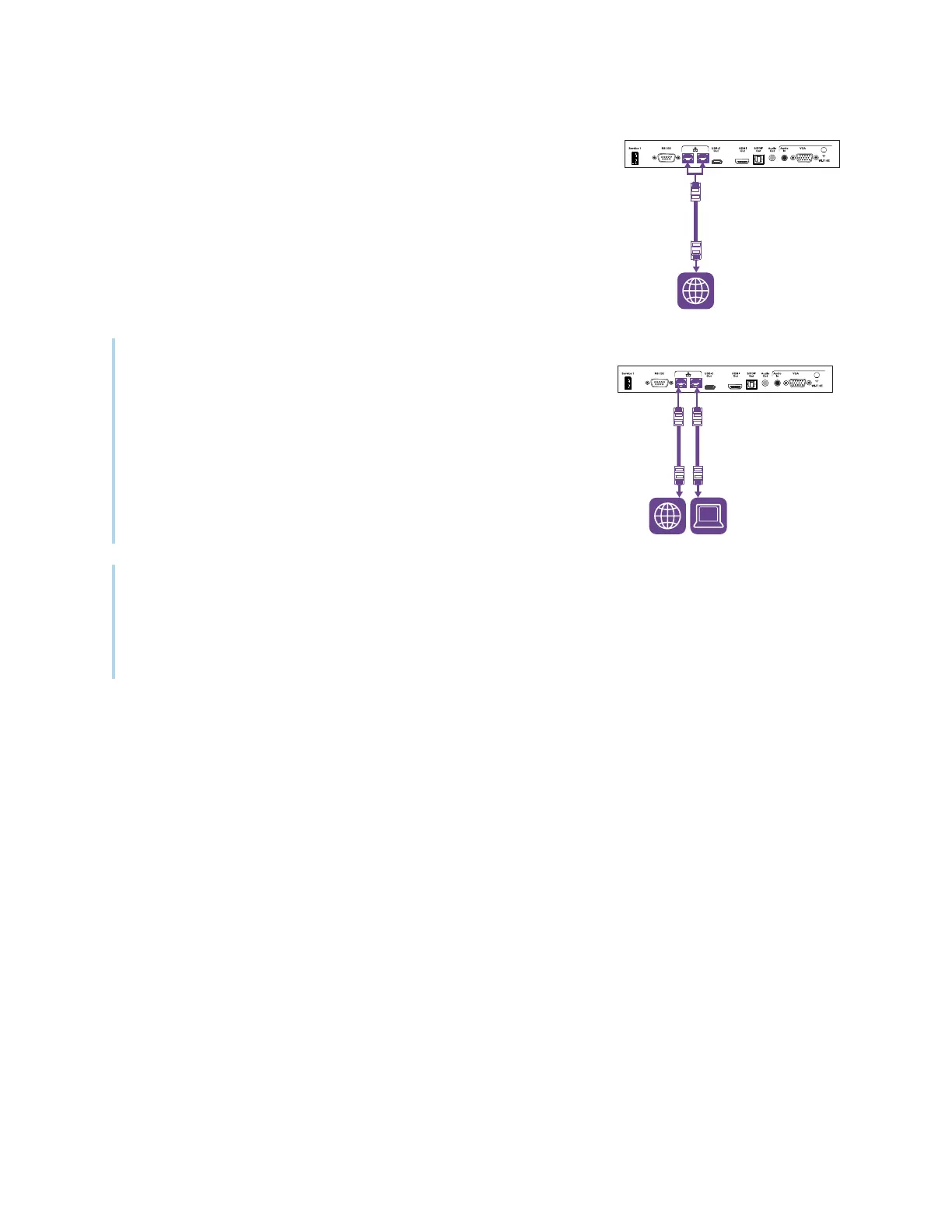
The display requires an internet connection for downloading software
and firmware updates, and a number of the iQ apps require a network
connection as well. You can connect to the network with Wi-Fi or with an
Ethernet cable attached to one of the RJ45 jacks.
Tip
If you’re using one of the display’s RJ45 jacks to connect to a network,
you can connect a computer to the other RJ45 jack to provide
network access for the computer. This is particularly useful if only one
wired network connection is available in the room. Network access is
available when Networked Standby is enabled in Settings but not
when Standby is enabled.
Notes
l
If you are connecting the display to the network with Wi-Fi, the display’s Wi-Fi channel availability
and restrictions will depend on the country defined in system settings.
l
If enabled, hotspot connections only use the 2.4 GHz and 5 GHz bands, not 6 GHz bands.












 To Next Page