docs.smarttech.com/kb/171897 5
Chapter 1 Welcome
About this guide 5
About the display 6
More information 8
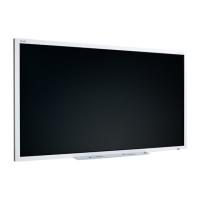
The SMART Board
®
MX (V5) or MX (V5) Pro series interactive display is the hub of your classroom or
meeting room.
About this guide
This guide explains how to install and maintain a SMART Board MX (V5) or MX (V5) Pro series interactive
display. It includes the following information:
l
How to install the display and maintain it for years of use
l
How to connect devices
l
How to update the display
l
Where to find troubleshooting information
In addition, this guide includes information about the display’s support for RS-232 management and
SMART Remote Management.
This guide is intended for those who install and maintain displays in their organizations. Other
documentation and resources are available for those who use displays.
See
More information
on page8












 To Next Page