Chapter 3 Connecting computers and other devices
docs.smarttech.com/kb/171897 16
Installing SMART software
The display comes with SMART software that you can install on connected room computers and guest
laptops. Other SMART software is optional.
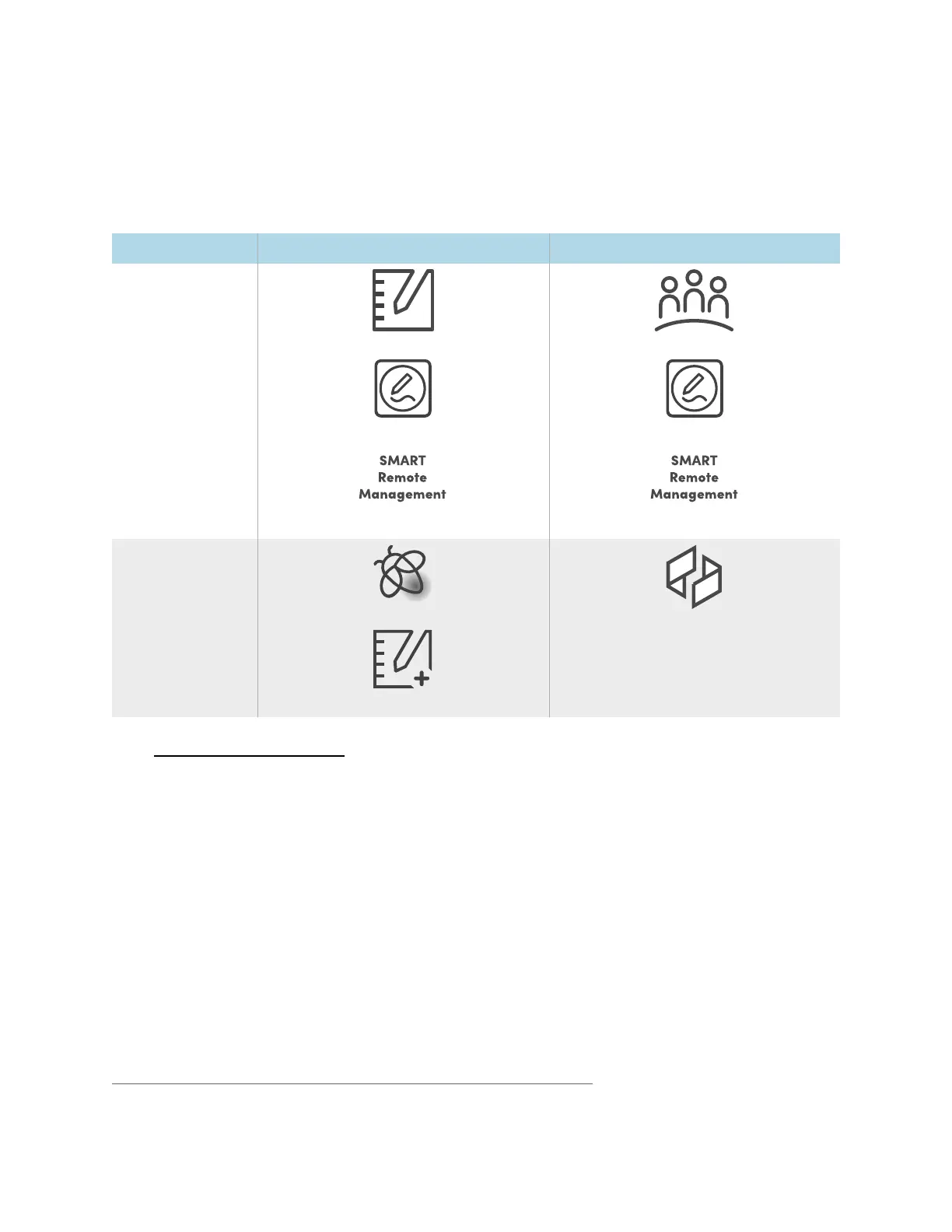
Software type SMART Board MX (V5) series SMART Board MX (V5) Pro series
Included
SMART Notebook
SMART Product Drivers and Ink
SMART Remote Management
1
SMART Meeting Pro
SMART Product Drivers and Ink
SMART Remote Management
1
Optional
Lumio
SMART Notebook Plus
SMART TeamWorks Room
Seesmarttech.com/downloads
Connecting room computers and guest laptops
You can connect cables for room computers and guest laptops. By installing cables in advance, you
make use of connectors that might not be accessible after the display is wall-mounted. You can then run
the cables across floors or behind walls as needed.
1
Subscription for the length of the warranty












 To Next Page