docs.smarttech.com/kb/171897 30
Appendix A Managing the display
using RS-232
Configuring the serial interface settings 31
Commands and responses 32
Power state commands 34
Input commands 34
Brightness commands 34
Freeze commands 35
Screen shade commands 35
Speaker commands 35
Microphone array commands 35
Firmware version commands 36
Model number commands 36
Serial number commands 36
Part number commands 36
Asynchronous messages 36
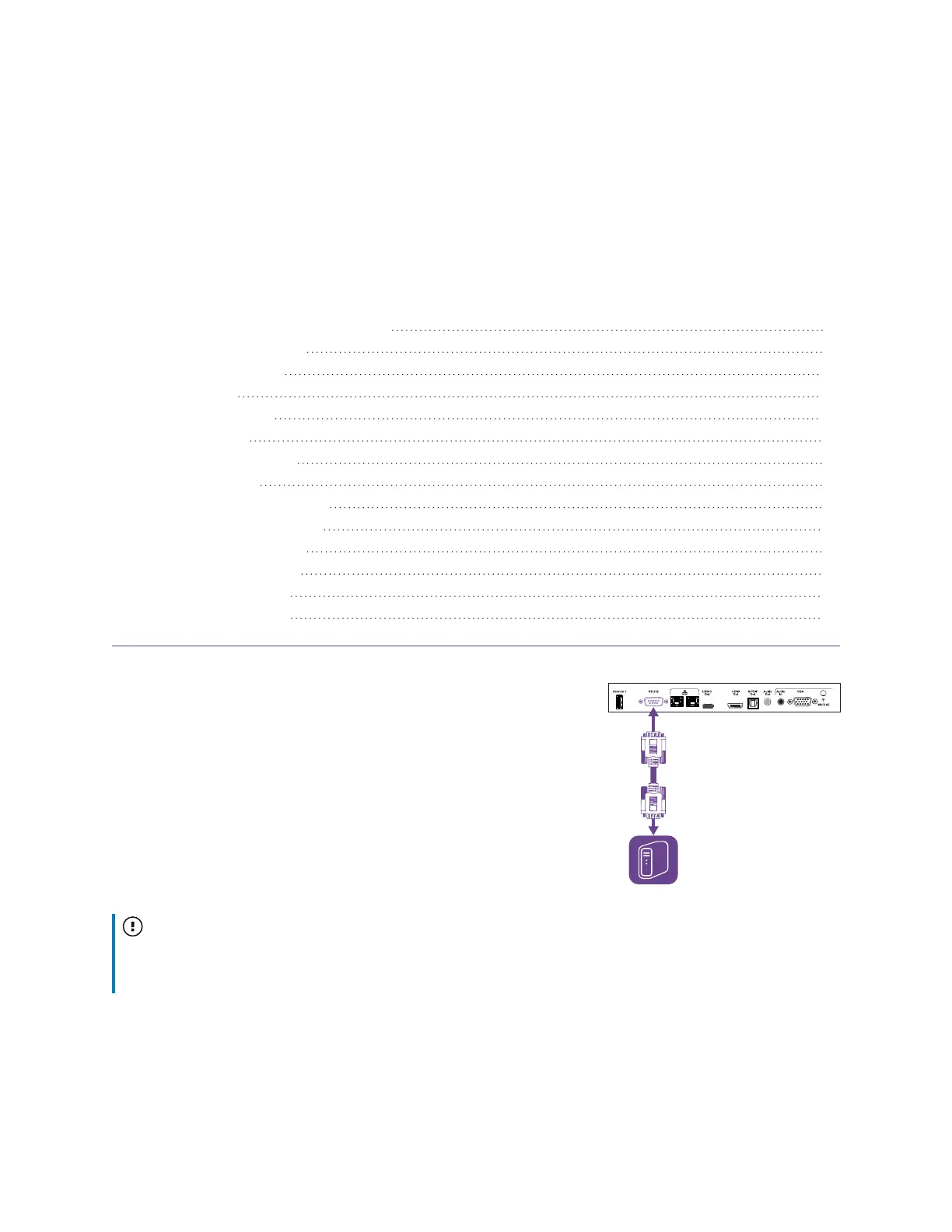
You can connect an RS-232 cable from a computer or a control
system’s serial output to the display’s RS-232 In connector to remotely
select video inputs, turn the display on or off, and get information
about the display’s current settings, such as volume and power state.
Important
Use only a standard RS-232 cable. Do not use a null modem cable. Null modem cables typically have
ends of the same type.













 To Next Page