Chapter 2 Installing and maintaining the display
docs.smarttech.com/kb/171897 13
Connecting power and turning on the display for
the first time
The final step in installing and configuring the display is to connect power, turn the display on, and
configure iQ following the steps in the wizard.
To connect the display to power
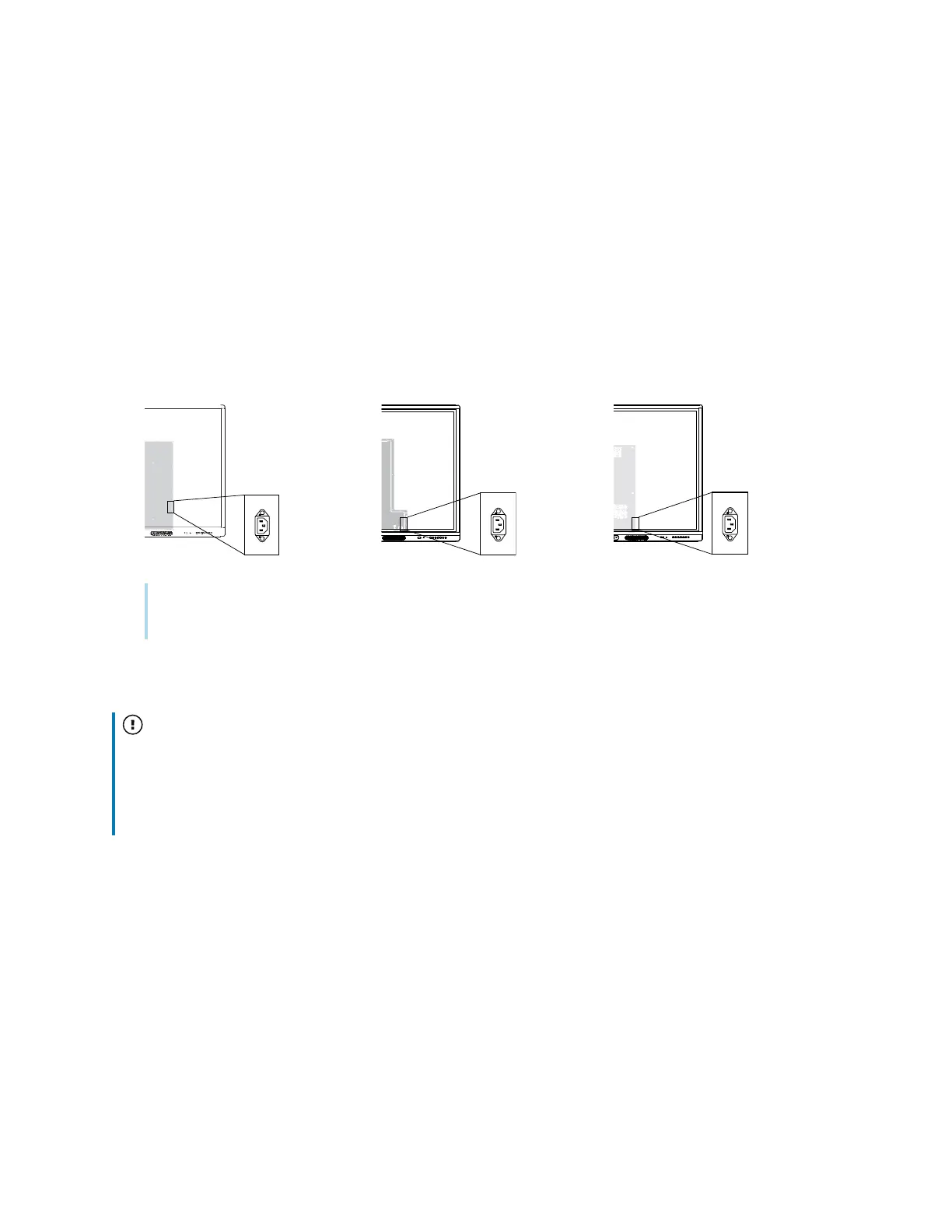
Connect the supplied power cable from the AC power inlet on the back of the display to a power
outlet.
55" and 65" models 75" models 86" models
Note
Refer to the display’s specifications for power requirements and power consumption information.
To turn on the display for the first time and configure iQ
Important
The display needs an internet connection for downloading and installing important updates. Ask the
network administrator to confirm that the network has been correctly configured for iQ.
See
Connecting to a network
on page11












 To Next Page