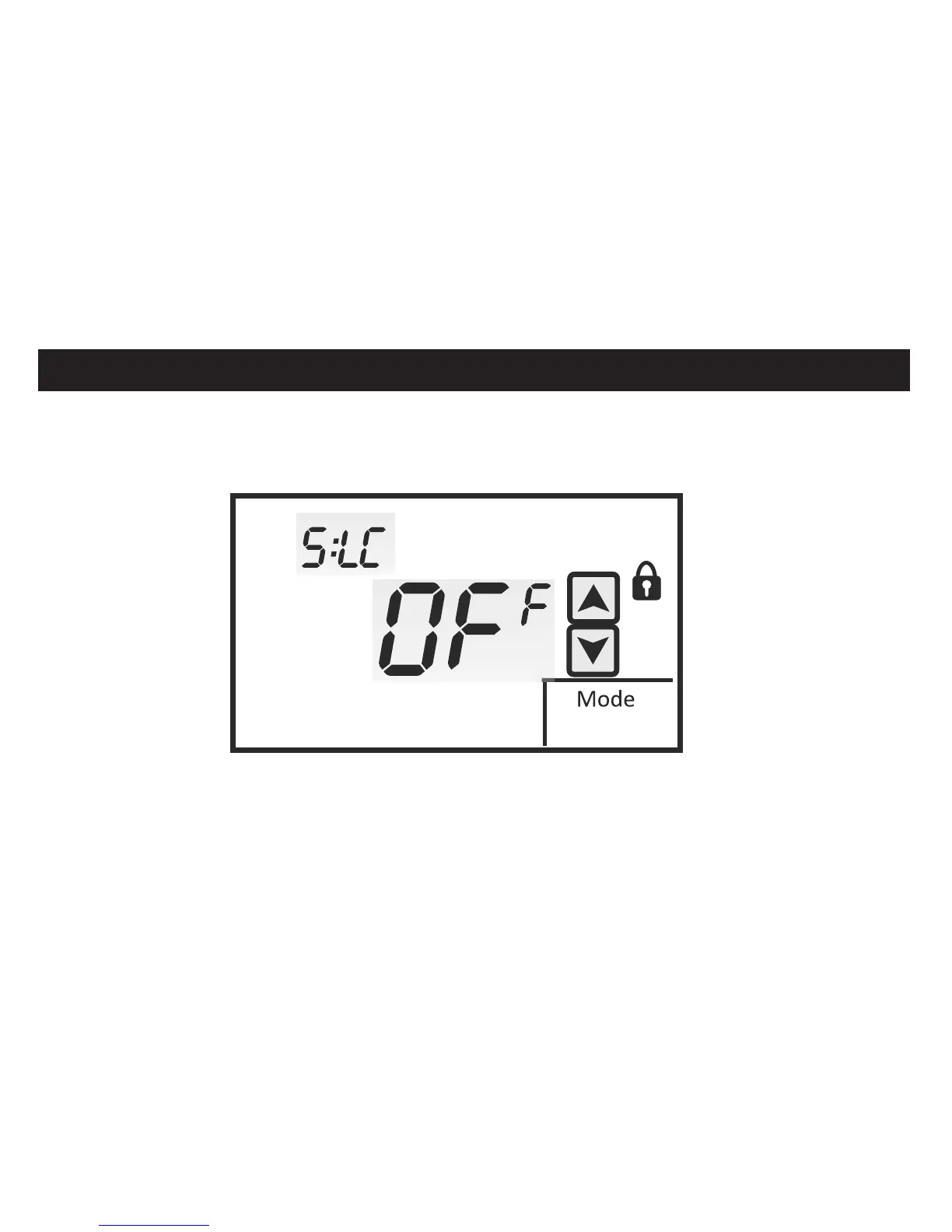
TOUCHSCREEN LOCK OPTIONS
Menu 5:LC allows you to prevent changes to all or part of the touchscreen functions. The
factory default is OFF. Touch the UP and DOWN arrows to the selection.
E
INSTALLER SETUP MENU
OFF = All Functions Unlocked 4 = UP / DOWN Arrows Locked 8 = Fan / Program / Mode / Clock
1 = Program Locked 5 = Clock Locked Locked
2 = Mode Locked 6 = Fan / Mode Locked 9 = All Functions Locked
3 = Fan Locked 7 = Fan / Program / Mode Locked
30


 To Next Page