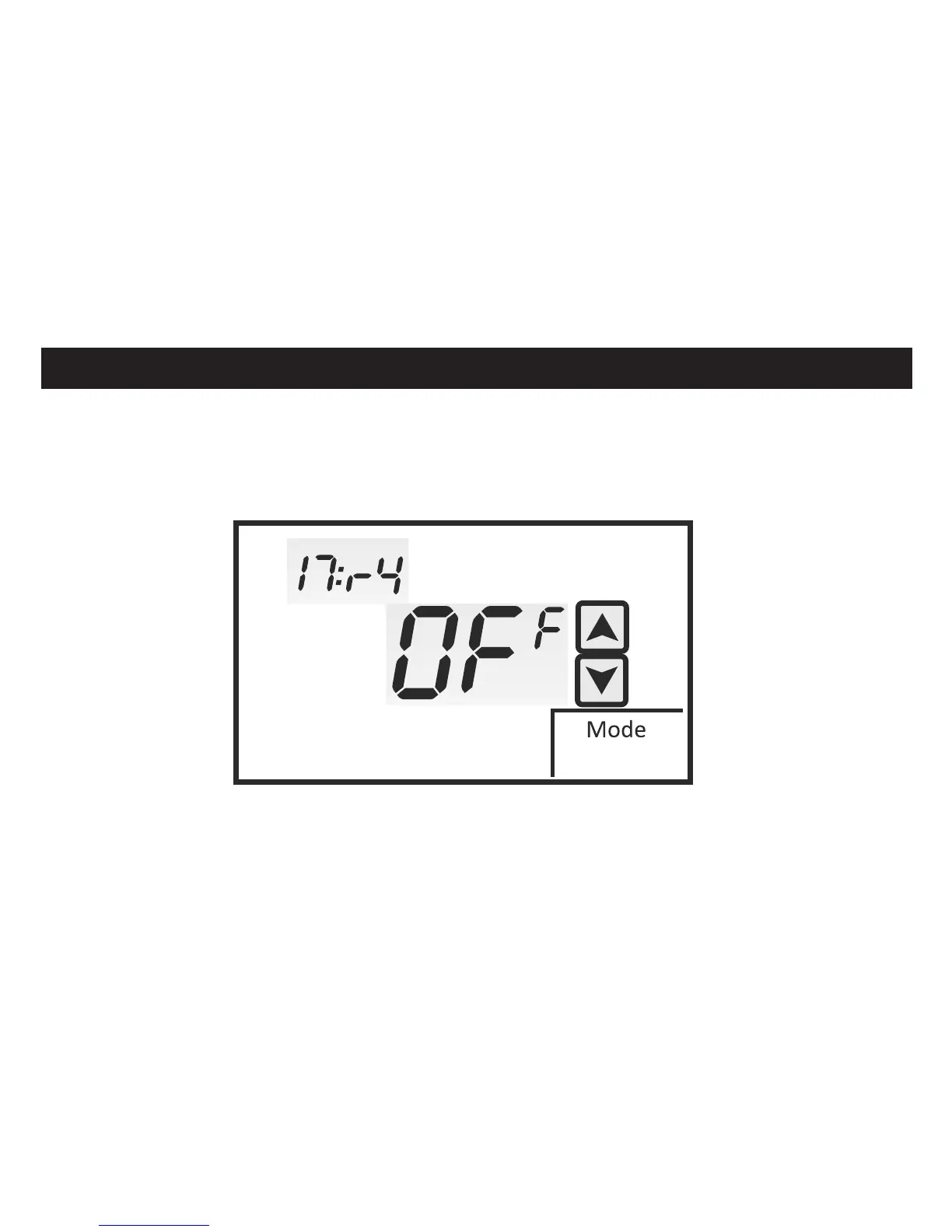
ASSIGNING THE ‘A’ RELAY
Menu 17:R4 allows you to assign the ‘A’ relay based on the specific equipment
configuration. The factory default is OFF. Touch the UP and DOWN arrows to change the
‘A’ relay assignment. Note that selections change based on Heat / Cool or Heat Pump
(Sw1) configuration.
INSTALLER SETUP MENU
E
HEAT / COOL HEAT PUMP
C2 = 2nd Stage Cooling EH = Emergency Heat Only
H2 = 2nd Stage Heating AU = Auxiliary and Emergency Heat
C3 = 3rd Stage Cooling Y2 = 2nd Stage Compressor
42


 To Next Page