REMOTE SENSOR
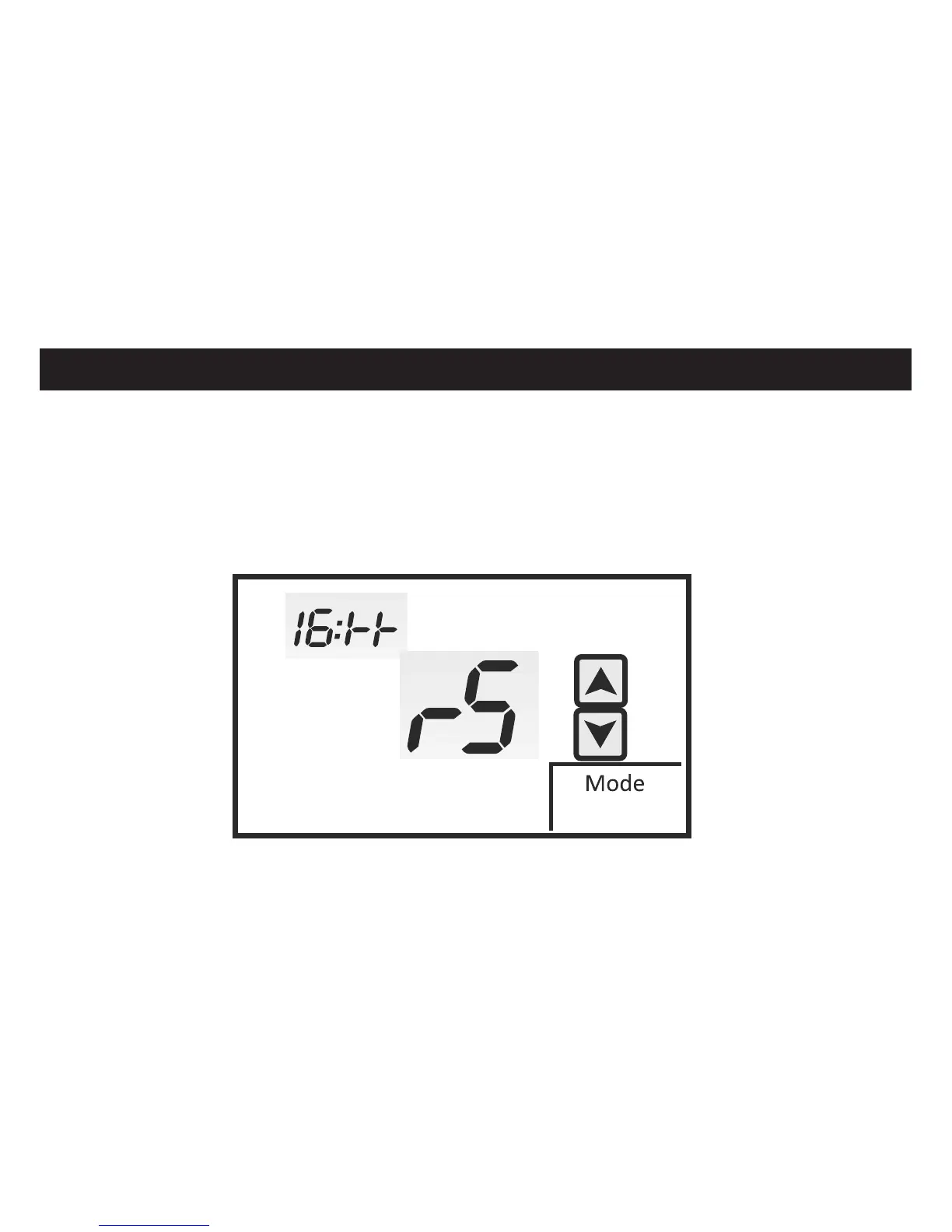
Menu 16:TT allows you to select indoor remote sensor only or remote sensor with internal
sensor. The factory default is RS which disables the internal sensor only when an indoor
remote sensor is wired. Touch the UP and DOWN arrows to change the option to AU if you
want to use the internal sensor with a remote sensor as part of temperature averaging.
E
INSTALLER SETUP MENU
RS = Indoor Remote Sensor Only
AU = Indoor Remote Sensor With Internal Sensor
41
Note
If using outside air or remote
room temperature sensor(s)
battery life will be drastically
reduced.
If using remote sensors it is
highly recommended to
power the 44-800 from 24V


 To Next Page