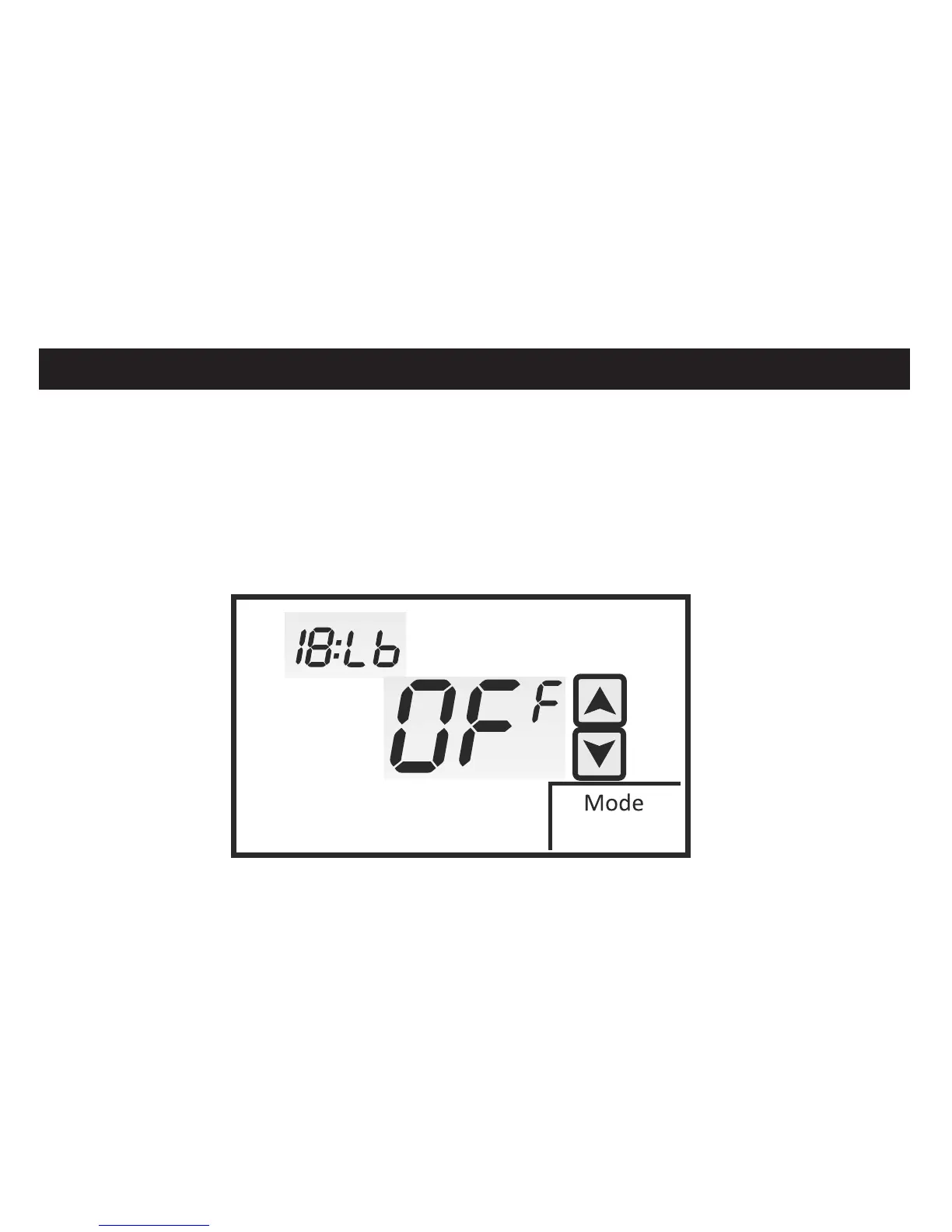
LOW BALANCE POINT SELECTION USING OUTDOOR SENSOR
Menu 18:LB allows you to select a low balance point setting when the thermostat
is configured for Fossil Fuel. When the outdoor temperature falls below the
balance point setting, the compressor is locked out and only the fossil fuel
furnace is used for heating. The factory default is OFF. Touch the UP and DOWN
arrows to change the setting. Setting can be from -15° to 25° C.
INSTALLER SETUP MENU
E
43


 To Next Page