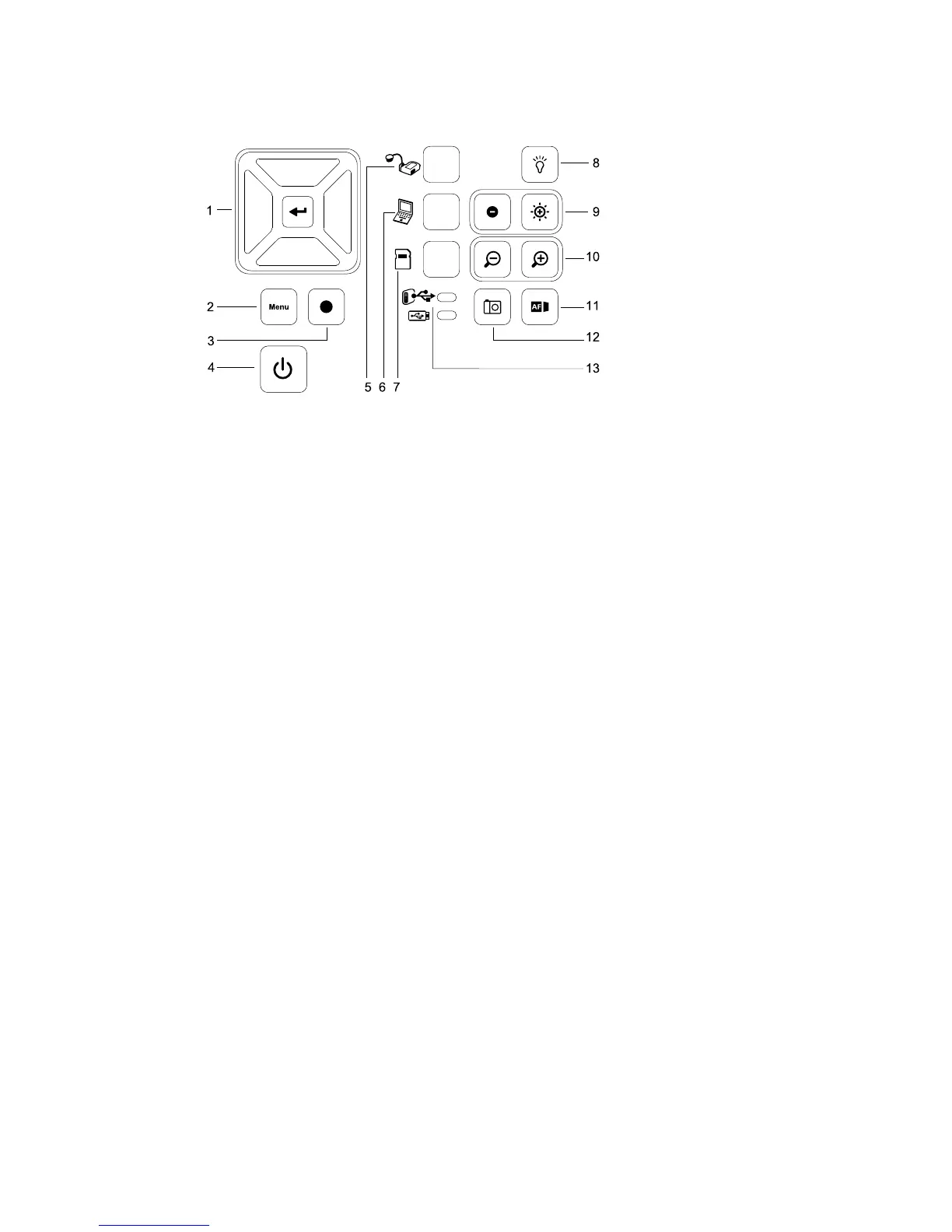
Button
1 Select/Enter 7 Select playback
2 Menu 8 Overhead light on/off
3 Record video 9 Image brightness
4 Power on/off 10 Zoom in/out
5 Select camera 11 Auto-focus
6 Select computer pass-through 12 Capture to SMARTNotebook software or to local memory
13 USB indicator: computer or USB drive
For information on the different modes, see Understanding Camera, Computer Pass-Through and
Playback modes on page 23.
C H A P T E R 1
Overview
4



 To Next Page