Identifying features of each mode
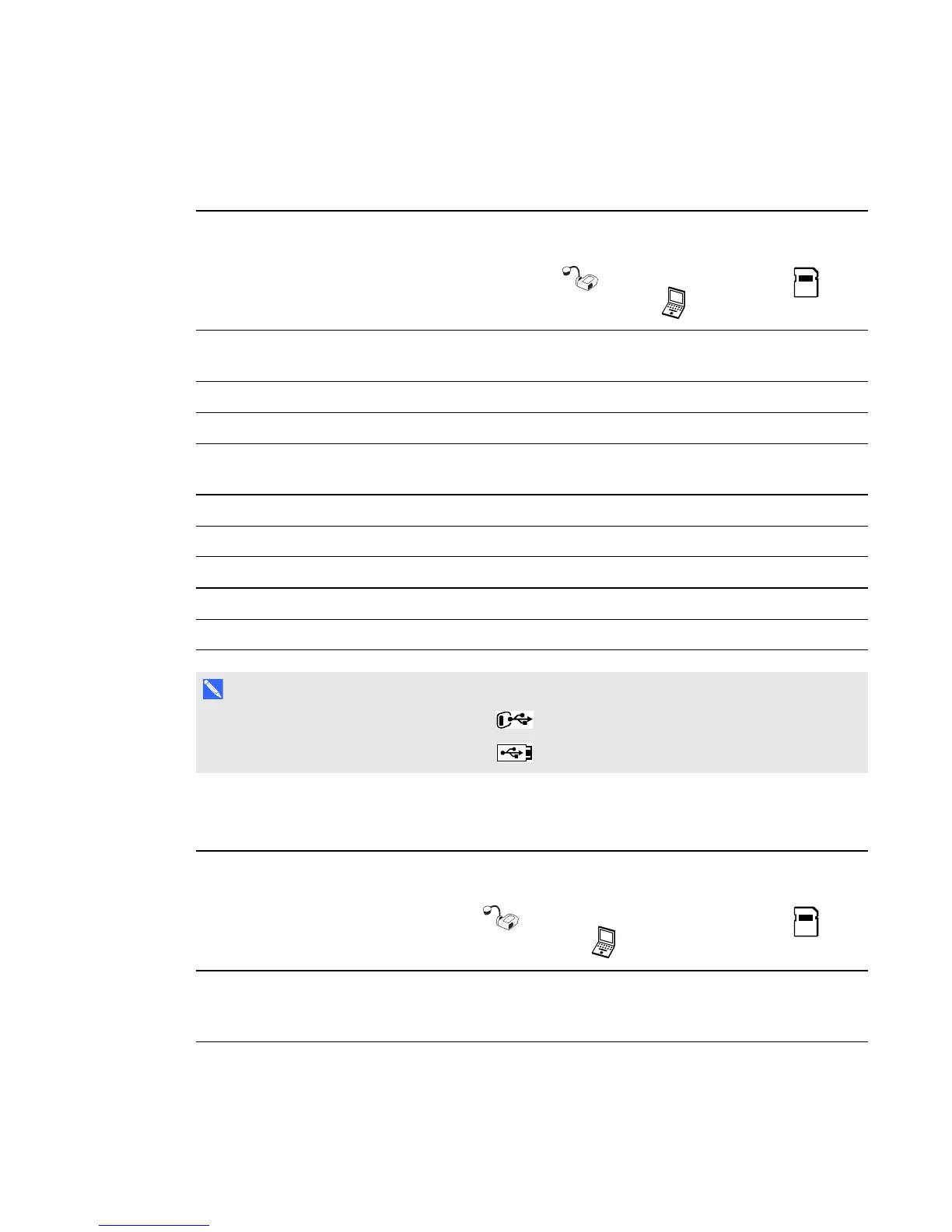
The following table describes the differences between each mode.
Feature description Camera
mode
Computer
Pass-Through
mode
Playback
mode
View computer input (VGA In) No Yes (VGA out and
DVI analog)
No
View document camera image Yes No No
View pictures from a memory card No No Yes
Access an internal memory and SD/SDHC card from
the computer with a USB cable
Yes
[1]
Yes
[1]
No
Control the document camera from a computer Yes Yes
[1]
No
Capture to SMARTNotebook software Yes No No
Capture to an SD/SDHC memory card Yes No No
Access the related on-screen display menu Yes No Yes
Capture to a USB drive Yes
[2]
No No
N O T E S
l
[1] Only when the USB switch is set to . See The Setting tab on page 39.
l
[2] Only when the USB switch is set to . See The Setting tab on page 39.
The following table describes outputs when your document camera is connected to a display with
VGA, DVI or Composite Video Out.
Feature description Camera
mode
Computer
Pass-Through
mode
Playback
mode
Connect to a projector or display (VGA
out and DVI analog output)
Camera
image
VGA In Memory
card
images
C H A P T E R 3
Using your SMARTDocumentCamera
25



 To Next Page