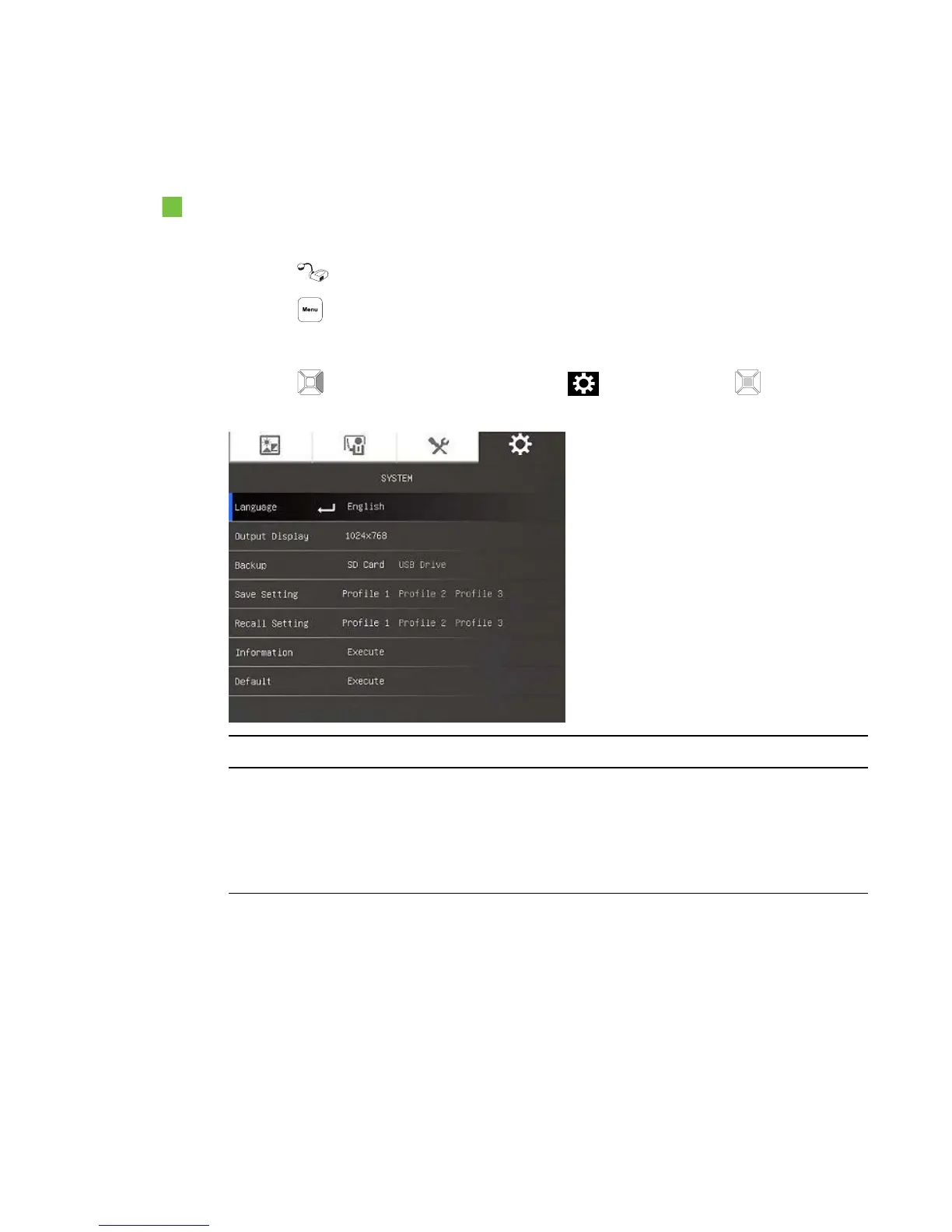
The System tab
To access the System menu
1. Connect your document camera to a projector, flat-panel display or television (see page 16).
2.
Press the button on the control panel.
3.
Press the button on the control panel.
The OSD menu appears.
4.
Press the button on the control panel to select , and then press the button on the
control panel.
System options Description
Language Select or change the language:
o
English
o
Français
o
Deutsch
o
Español
C H A P T E R 4
Using your SMARTDocumentCamera in Camera mode
42



 To Next Page