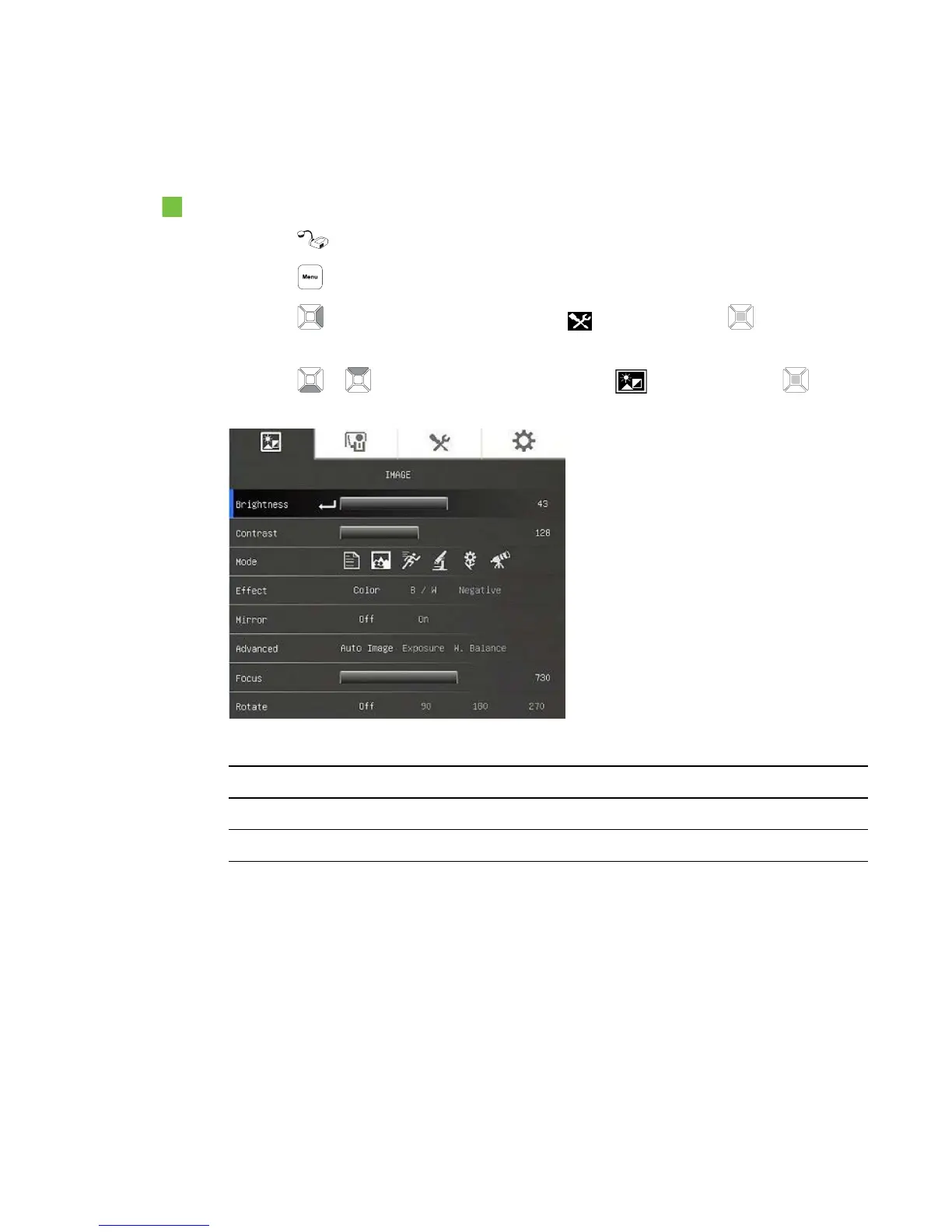
The Image tab
To access the Image settings menu
1.
Press the button on the control panel.
2.
Press the button on the control panel.
3.
Press the button on the control panel to select , and then press the button on the
control panel.
4.
Press the or button on the control panel to select , and then press the button
on the control panel.
Image options Description
Brightness Adjust the image brightness manually.
Contrast Adjust the image contrast.
C H A P T E R 4
Using your SMARTDocumentCamera in Camera mode
34



 To Next Page