Setting up your document camera
The document camera has a flexible arm with rotational movement for easy positioning display
objects.
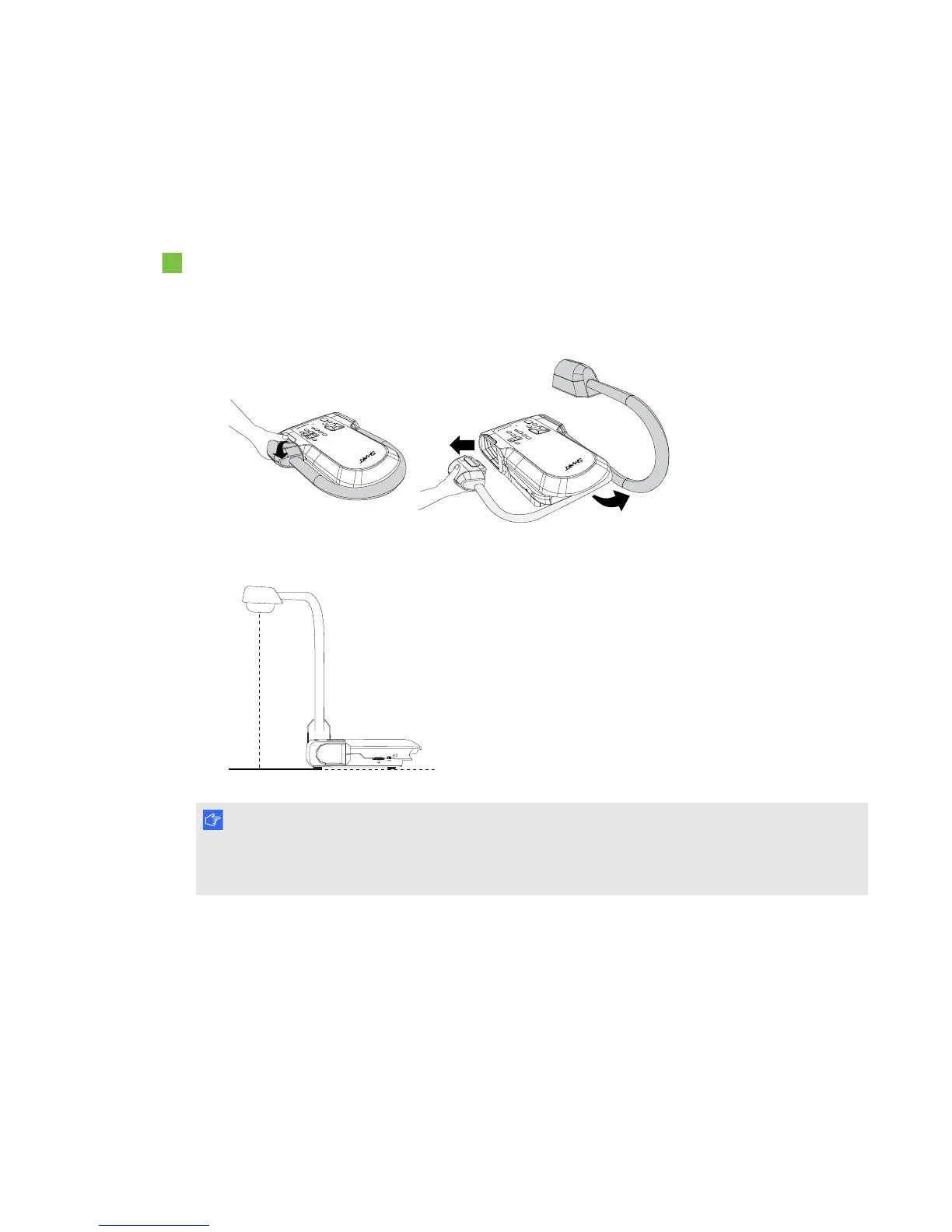
To unfold and position your document camera
1. Place a hand on the base of the document camera to stabilize it.
2. Press the camera head down, and then pull the camera arm outward and upward.
3. Move the camera head to aim the lens at your object.
I M P O R T A N T
To use your document camera with SMARTNotebook software you need to connect your
document camera to a computer.
C H A P T E R 2
Setting up your SMARTDocumentCamera
12



 To Next Page