Keyboard button Use to:
PAGEUP Raise elevation.
UPARROW Move forward in the scene.
LEFTARROW Move to the left in the scene.
RIGHTARROW Move to the right in the scene.
DOWNARROW Move backward in the scene.
PAGEDOWN Lower elevation.
ESC Close
N O T E
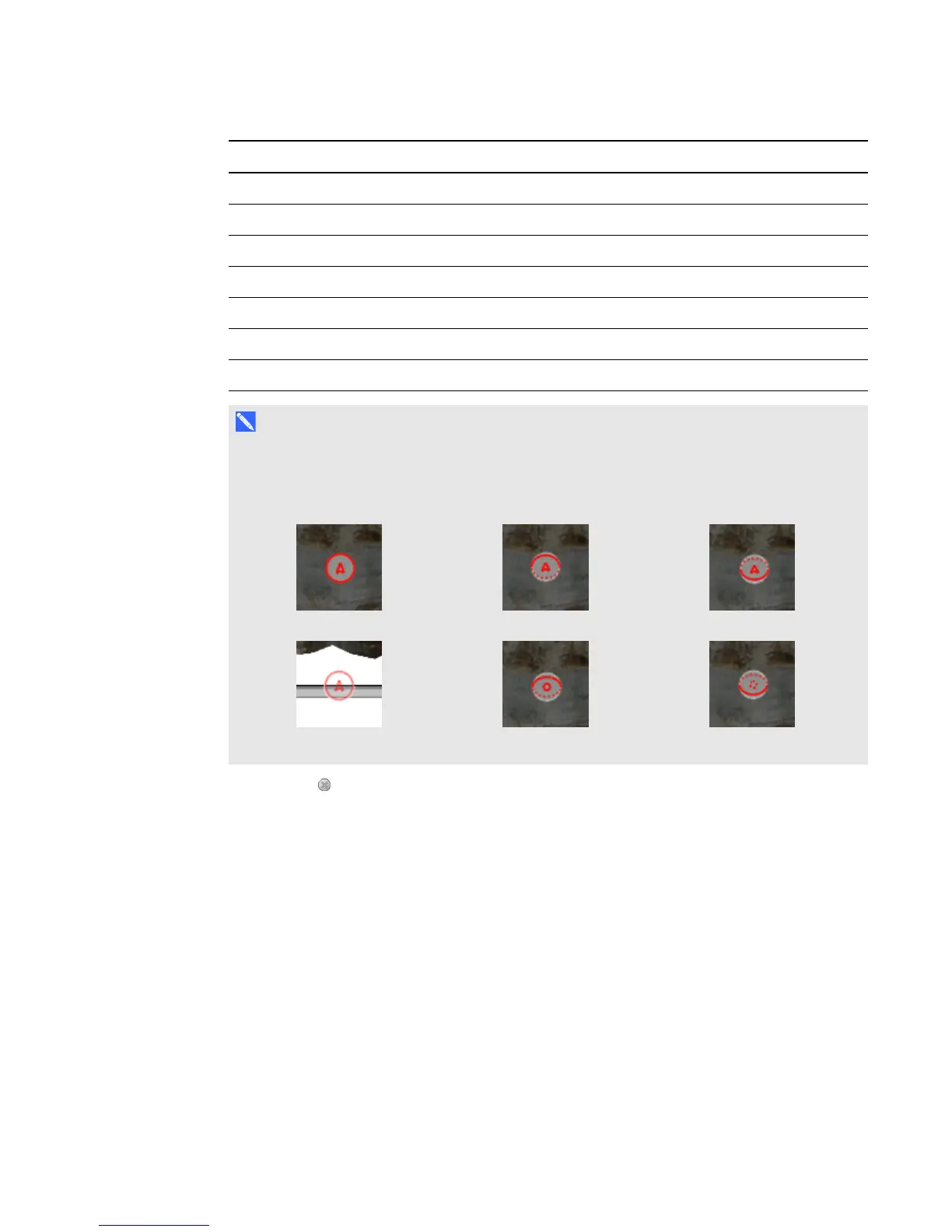
As you navigate the 3D scene, a red indicator in the map displays where you are in the scene
and the direction you are viewing. The arrow in the center indicates orientation. The arrow
becomes a circle when you’re facing directly up or down.
Level Incline Decline
Off-screen (level) Upward Downward
4. Press Close when you’re done.
Using Mixed Reality Tools for
SMARTDocumentCamera
After inserting 3D models in your .notebook files using 3DTools for SMARTNotebook software, you
can manipulate those models using Mixed Reality Tools for SMARTDocumentCamera.
Manipulating 3D models using Mixed Reality Tools for
SMARTDocumentCamera
You manipulate 3D models using your SMARTDocumentCamera and the mixed reality cube.
C H A P T E R 7
Using 3DTools for SMARTNotebook software and Mixed Reality Tools
69



 To Next Page