Presentation options Description
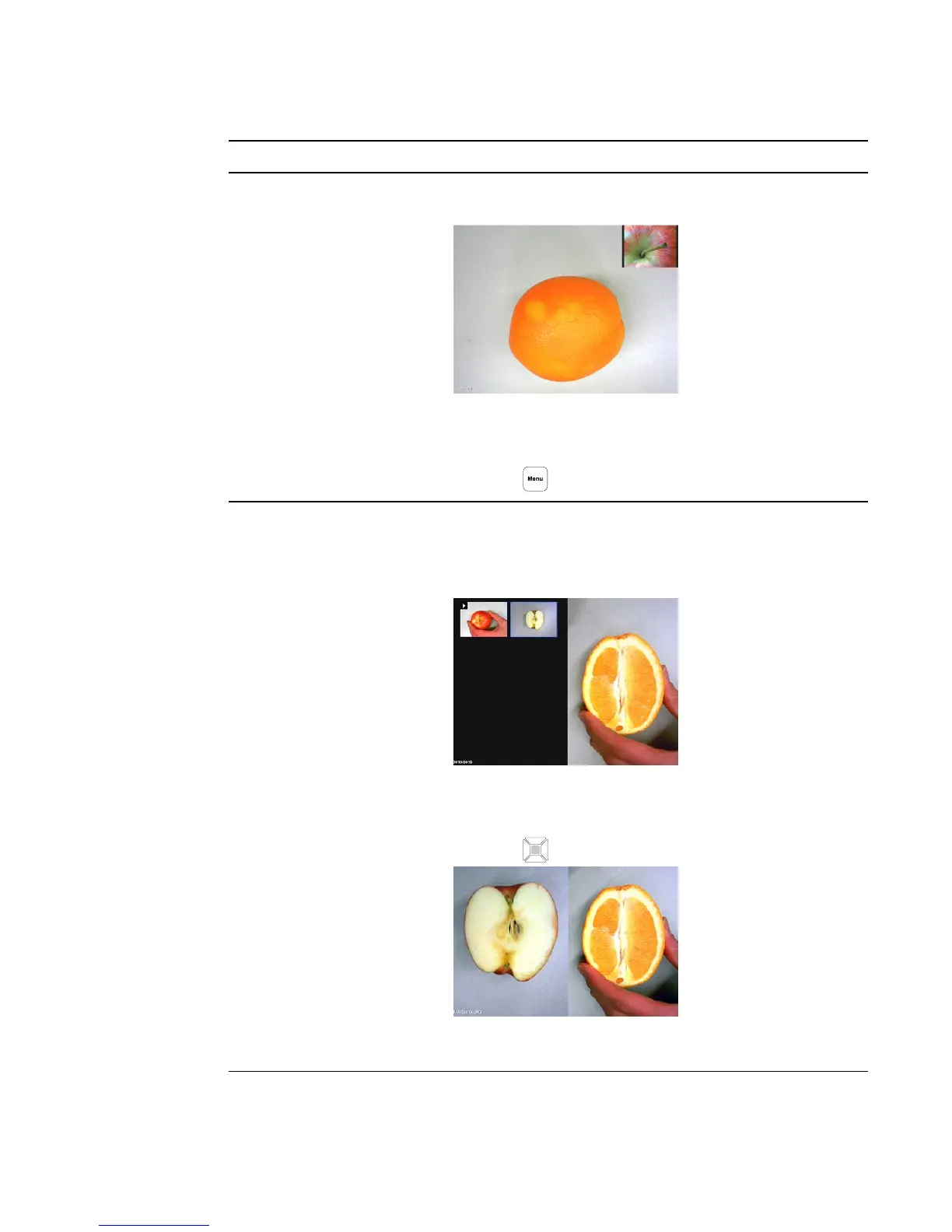
Picture in Picture (PiP)
o
Shows captured pictures or video as thumbnails in corner of
the screen in Camera mode.
o
Press the left and right navigation buttons to navigate
through the stored images.
o
Press the button to cancel PiP.
Split Screen
o
Divides the screen in two parts.
o
Half of the screen displays thumbnail images and the other
half displays the image from your document camera.
o
Select the display location: left, right, top, bottom.
o
Press the left/right and up/down navigation buttons to
highlight the image.
o
Press the button to select the image.
o
Press the left/right and up/down navigation buttons to pan
the stored image.
C H A P T E R 4
Using your SMARTDocumentCamera in Camera mode
37



 To Next Page