Lane Keeping Assist
Please note
G
WARNING
Lane Keeping Assist cannot always
clearly detect lane markings.
In such cases, Lane Keeping Assist can:
R
issue an unnecessary warning
R
not issue a warning
There is a risk of an accident.
Always pay particular attention to the
traffic situation and keep within the lane,
especially if Lane Keeping Assist alerts
you.
G
WARNING
The Lane Keeping Assist warning does
not return the vehicle to the original
lane. There is a risk of an accident.
Always steer, apply the brakes or accel-
erate the vehicle yourself, especially if
Lane Keeping Assist alerts you.
Lane Keeping Assist issues an acoustic and
visual warning when a vehicle uninten-
tionally leaves the lane.
Lane Keeping Assist uses a camera which is
located on the windscreen behind the rear-
view mirror.
Lane Keeping Assist does not keep your
vehicle in its lane. The driver is responsible
for driving the vehicle in a safe manner and
staying within the lane.
Lane Keeping Assist could be impaired or
fail to respond under the following condi-
tions:
R
poor visibility
R
strong glaring light
R
dirty windscreen in the camera area
R
unclear or broken lane markings
R
very narrow and winding roads
R
highly variable shade conditions on the
road
When the turn signal is set, warnings are
suppressed for a certain period of time.
No warning is given in the following situa-
tions:
R
when crossing a lane marking quickly
R
at speeds below 70 km/h
On-board computer with monochrome dis-
play: the ¸ and ¤ symbols in the dis-
play indicate the status of Lane Keeping
Assist:
R
¸: speed is below 70 km/h or lanes are
not detected due to external causes. No
warning is given when the vehicle leaves
the lane.
R
¤: speed is above 70 km/h and the
system is able to detect lane markings. A
warning is given if the vehicle uninten-
tionally leaves the detected lane.
On-board computer with colour display: The
¸ symbol in the display indicates the
status of Lane Keeping Assist:
R
¸ lights up white: speed is below
70 km/h or lanes are not detected due to
external causes. No warning is given
when the vehicle leaves the lane.
R
¸ lights up green: speed is above
70 km/h and the system is able to detect
lane markings. A warning is given if the
vehicle unintentionally leaves the detec-
ted lane.
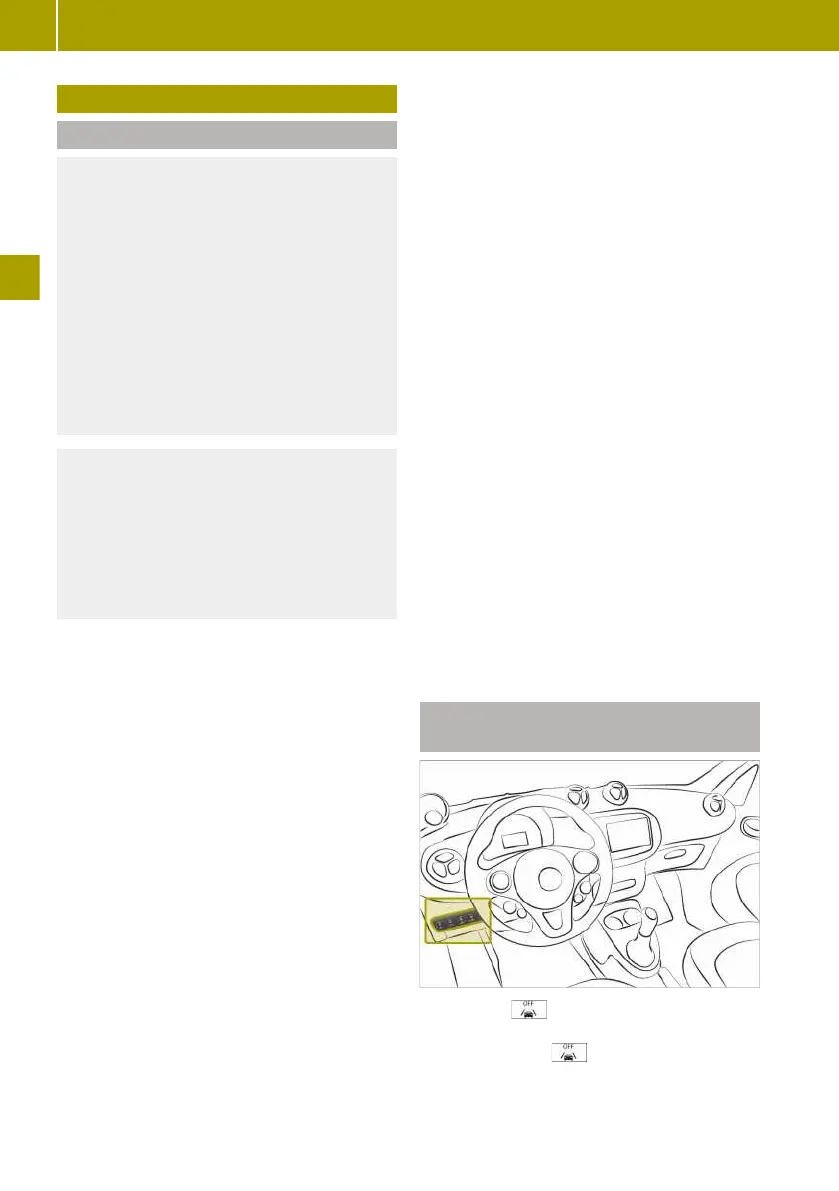
Activating and deactivating Lane
Keeping Assist
X
Press the switch.
When Lane Keeping Assist is deactivated,
the LED on the switch lights up.
On-board computer with colour display:
the display also shows a message.
78
Lane Keeping Assist
>> Driving.















 To Next Page