CHAPTER 1
INTRODUCING THE SMARTBOARD M600 SERIES INTERACTIVE WHITEBOARD
5 smarttech.com/kb/170410
Avoiding electromagnetic interference
You can take some precautions to prevent electromagnetic interference (EMI) to the interactive
whiteboard:
l Don’t route USB cables parallel to power cables.
l Cross USB cables over power cables at a 90º angle to reduce the risk of interference on the
USB cables.
l Don’t route USB cables close to common sources of EMI, such as electric motors or
fluorescent lighting ballasts.
l Don’t bend USB cables sharply.
l Don’t use USB plug adapters or passive USB wall plates.
Accessories and replacement parts
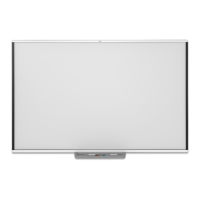
For a full list of optional accessories that you can order for your SMARTBoard M600 series
interactive whiteboard, go to smarttech.com/accessories.
For a list of replacement parts for your SMARTBoard M600 series interactive whiteboard, refer to
the service parts diagrams fro your model.
Contact your authorized SMARTreseller (smarttech.com/wheretobuy) to order accessories and
standard replacement parts for the SMARTBoard M600 series interactive whiteboard.



 To Next Page