CHAPTER 4
USING THE INTERACTIVE WHITEBOARD
15 smarttech.com/kb/170410
NOTE
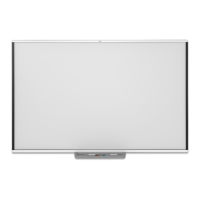
If the interactive whiteboard is part of a projector system, the left side of the pen tray includes
controls for power, volume, and input selection.
Understanding the Select button’s status light
The Select button’s light also indicates the status of the interactive whiteboard. The Select button’s
light is solid white when the system is working properly.
The following table shows the Select button’s normal states. If the light’s behavior doesn’t match a
state listed here, see General troubleshooting on page25



 To Next Page