31 English
User Controls
User Controls
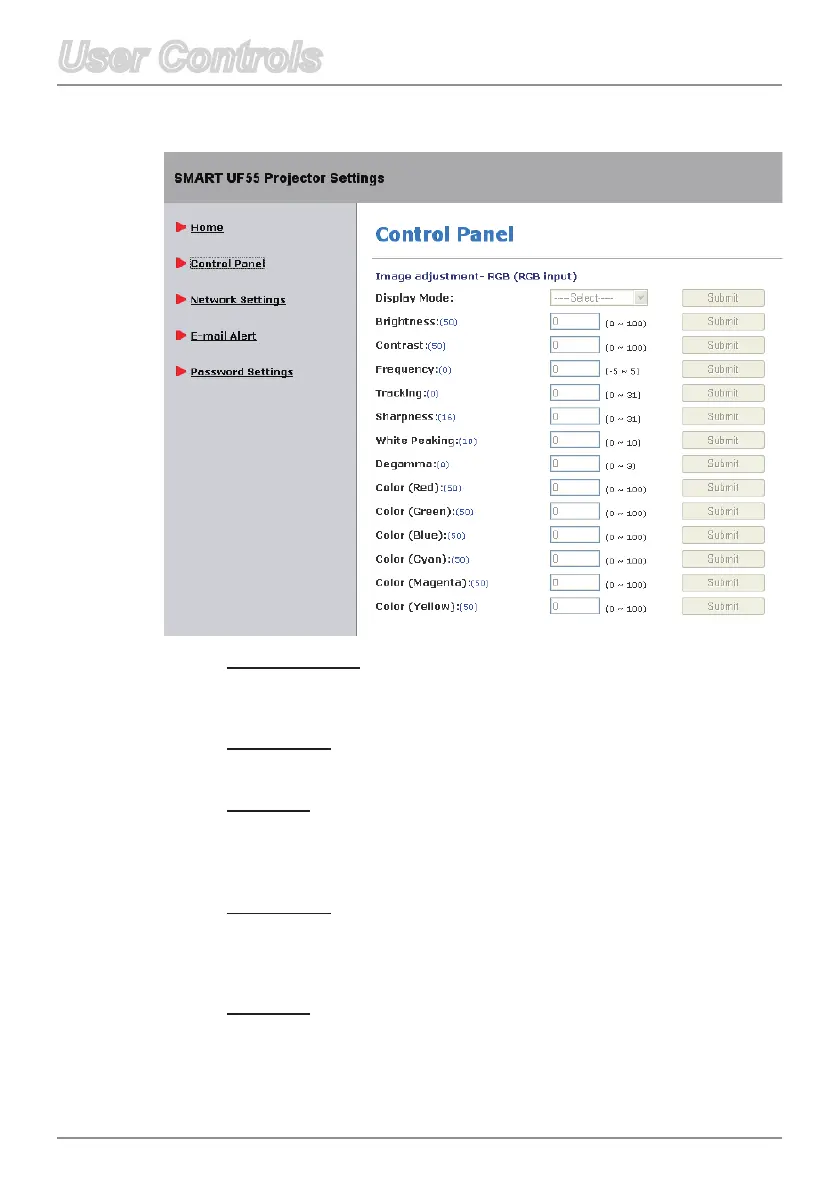
Control Panel
Display Mode
Selectadisplaymode:BrightClassroom,DarkClassroom,sRGB
or User.
Brightness
Adjust the brightness of the image.
Contrast
The contrast controls the degree of difference between the lightest
and darkest parts of the picture. Adjusting the contrast changes the
amount of black and white in the image.
Frequency
Change the display data frequency to match the frequency of your
computer’sgraphiccard.Ifaickeringverticalbarappearsonyour
screen,usethisfunctiontomakeanadjustment.
Tracking
Synchronize the signal timing of the display with your computer’s
graphicscard.Iftheimageappearstobeunstableorickers,use
this function to correct it.



 To Next Page