English 32
User Controls
User Controls
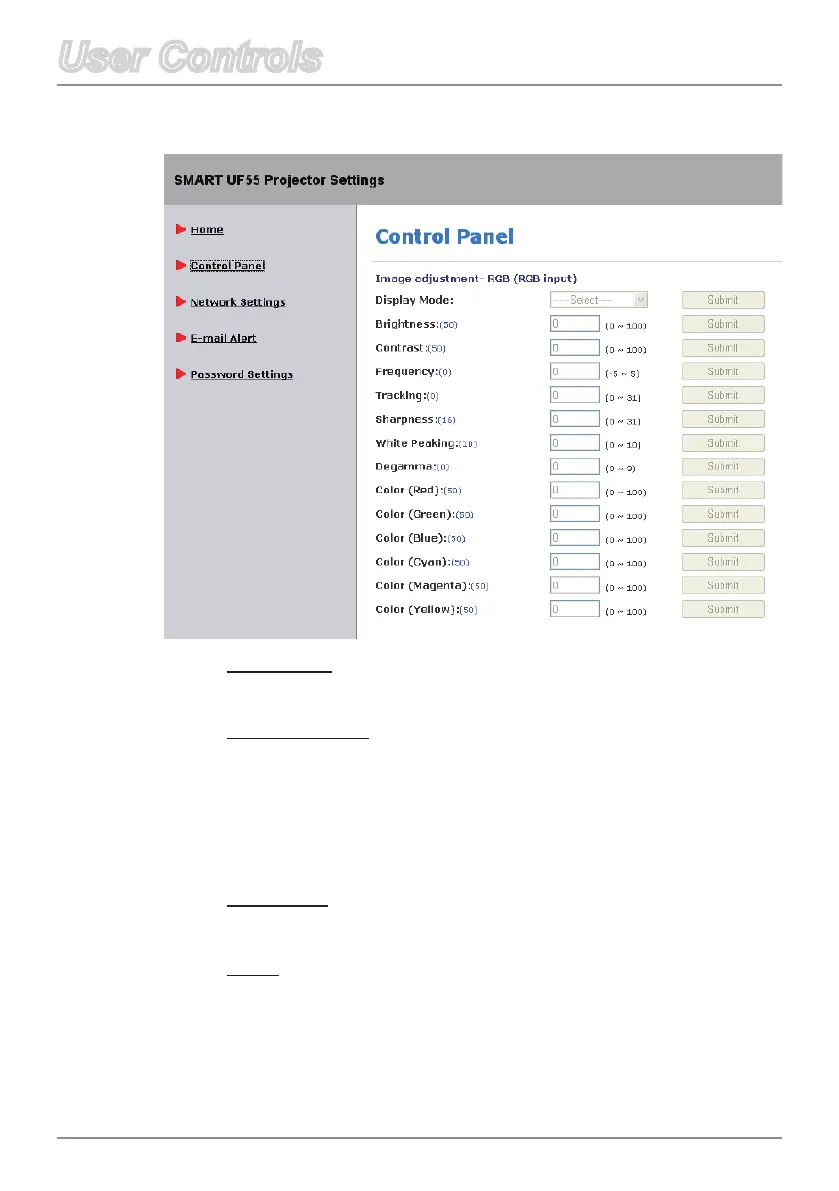
Sharpness
Adjust the sharpness of the image.
White Peaking
This adjustable item utilizes a new color-processing algorithm and
system level enhancements to enable higher brightness while
providingtrue,morevibrantcolorsinpicture.Therangeisfrom“0”
to“10”.Ifyoupreferamoreenhancedbrightness,selectahigher
setting.Forasmoother,morenaturalimage,adjusttowardthe
lower setting.
Degamma
Allows you to adjust the color performance of the display.
Color
AdjusttheRed,Green,Blue,Cyan,MagentaandYellowcolors
from the factory default settings for advanced adjustment of the
individual colors.
Control Panel



 To Next Page