7
http://support.weathermatic.com
Push PGM button to assign
zone time in one or more
programs. Note: Program D
is for concurrent operation
for micro irrigation zones.
Zones assigned to Program
D cannot be assigned to
Program A, B, or C. Display
will say USED if attempt is
made to enter time in A, B, or
C for a zone already assigned run time in D.
Caution: If an unused zone is turned on and activates a pump
start relay, the pump may overheat or cause a pipe to burst. To
prevent operating a pump with no flow (dead heading), make
sure all unused zones are set to OFF.
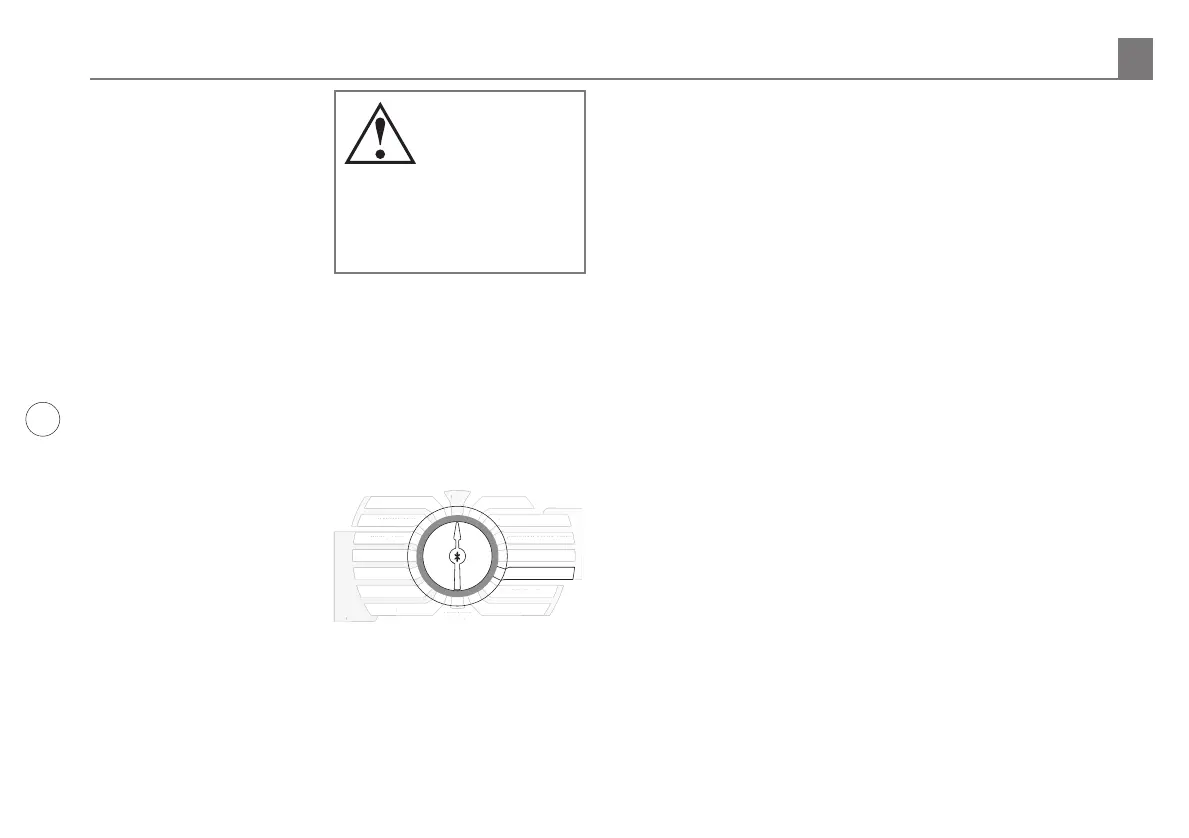
3.5 Days to Water
In this dial position you can
select a DAYS, INTERVAL,
or ODD/EVEN schedule. Use
UP and DOWN buttons to
select which type of schedule
you want in your SmartLine®
controller. Remember to
check the Program (PGM)
selection showing in the
display. You can select a dierent watering schedule for each
program if you wish.
If you select DAYS, then use the NEXT button to step through
each day of the week and the UP and DOWN buttons to select
ON or OFF status for each day. Days selected to water will be
displayed at the top of the display.
If you select an INTERVAL schedule, push NEXT button.
The flashing number indicates the day interval for watering.
SmartLine® controller will allow an interval of 1 (every day) to 30
(water once every 30 days). After you have selected the interval
you want, push NEXT to set the day you want the interval
schedule to start on. Use UP and DOWN buttons to select start
day at top of display.
If you select ODD/EVEN day scheduling, push NEXT button
and then use UP and DOWN buttons to select watering on
ODD or EVEN days. If ODD is flashing on the display when
you turn the dial to another position, you have selected ODD.
The same is true for EVEN. When you return the dial to RUN,
you can view the next day that your schedule will run. The
SmartLine® Controller will run ODD or EVEN programming at
the next available start time, even if it is on the same day that
you set up the schedule. If you are using an ODD schedule, the
SmartLine® controller will not water on the 31st day of a month
and February 29th of a leap year to prevent two consecutive
watering days (31st and 1st or 29th and 1st).
SMART
BASIC
MORE
/
LESS
SOIL TYPE
PLANT TYPE
SPRINKLER TYPE
ZIP CODE/LATITUDE
OMIT TIMES / DAYS
SEASONAL % ADJUST
MANUAL ZONE
MANUAL TEST
ADVANCED
MENU
RUN
SYSTEM OFF
CURRENT TIME / DATE
PROGRAM START TIMES
ZONE RUN TIMES
MART
BASI
RE
E
S
IL TYPE
PLANT TYPE
PRINKLER TYPE
IP
LATIT
DE
OMIT TIMES
DAYS
EAS
NAL % ADJUS
ANUAL ZONE
AN
AL TE
T
ADVAN
E
YSTEM OFF
CURRENT TIME
DAT
R
RAM START TIME
NE RUN TIME
DAYS TO WATER
3.0 Programming
Note: If display
shows “0 ZONES,”
this indicates no
SLM4 modules are
currently installed
or have ever been installed
under AC power with the
control panel firmly closed.



 To Next Page