12
http://support.weathermatic.com
made in Advanced Menu
are not active when
controller is in SMART
mode. Smart calculated
run/soak schedules can
be viewed by selecting
Advanced Menu, Review
and Run/Soak.
Use the UP and DOWN
buttons to select Clay,
Loam or Sand soil type
for each zone. After you
have selected a soil type for a zone, push NEXT button. You can
now use the UP and DOWN buttons to select degrees of slope
(elevation change) for each zone. Set each zone for 0 to 25
degrees of slope based on the chart provided. Push NEXT again
after making the slope entry to advance to the next zone.
Use NEXT and BACK buttons to move between zones.
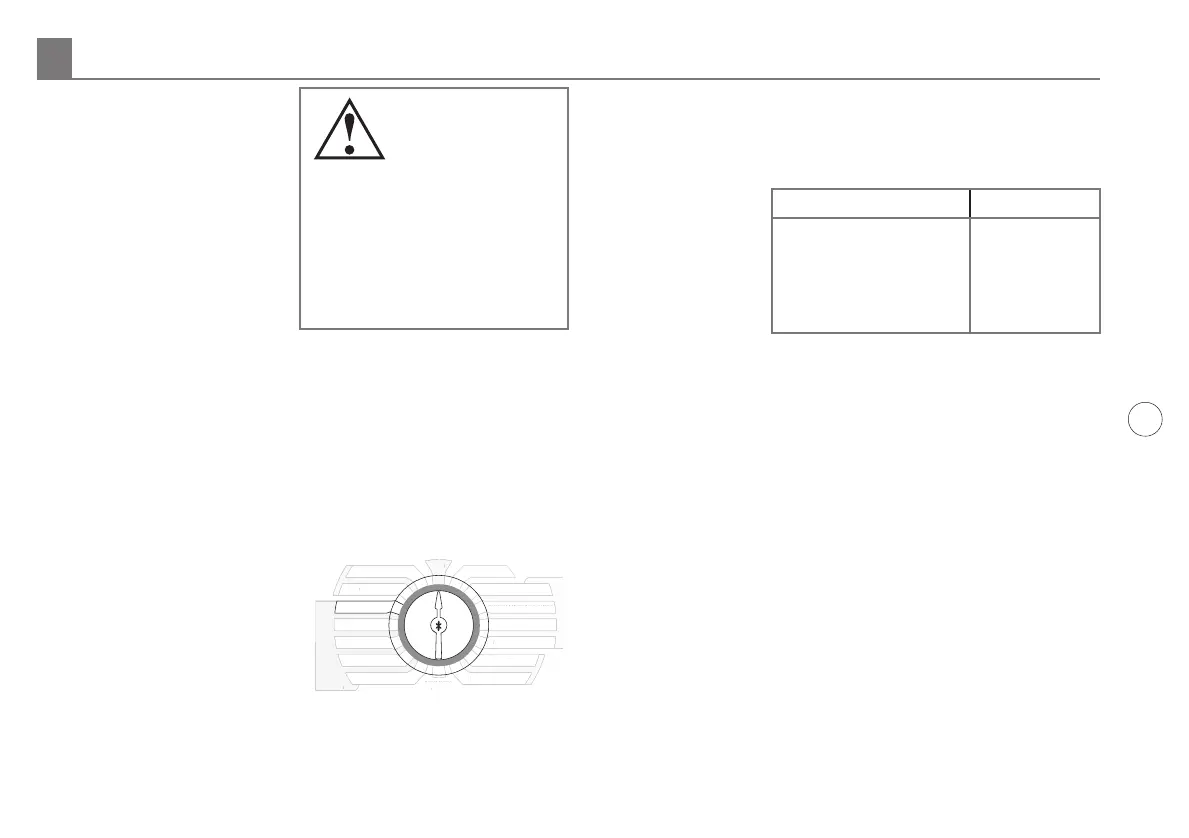
5.2.4 More/Less (optional)
When your SmartLine®
controller is set in SMART
mode, the Seasonal %
Adjust in the BASIC mode
is inactivated since the
automatic adjustments
are made daily rather than
monthly. You can use MORE/
LESS to fine tune the run time
calculation by zone in the SmartLine® controller by –50 to +25%.
Use UP and DOWN buttons to select % adjustment. Use NEXT
and BACK buttons to move between zones.
This feature can be useful to reduce run time adjustments for
shady and partially shaded zones. The table provided may be
used for general
shade guidelines.
Other factors may
result in needing
to use MORE/
LESS for fine
tune adjustments
including sprinkler
eciency, zone
eciency, and wind. Sprinkler eciency varies between types
of sprinklers and the manufacturer’s design. Zone eciency
varies based on the design layout of sprinklers in a zone,
sometimes overlapping or sometimes not. High winds can serve
to dry out plant and soil to increase the need for water. For
optimum results considering the many unique variables in each
zone, users should periodically monitor plant life health and
water usage, especially after initial controller setup, so proper
adjustments can be made.
THIS COMPLETES PROGRAMMING FOR SMART WATERING.
RETURN THE DIAL TO THE RUN POSITION.
Programming for Smart Watering Mode 5.0
SHADE LEVEL MORE/LESS %
TOTAL SHADE -50%
FILTERED SHADE -20%
MORNING SHADE -10%
AFTERNOON SHADE -30%
SMART
BASIC
MANUAL ZONE
MANUAL TEST
RUN
SYSTEM OFF
CURRENT TIME / DATE
PROGRAM START TIMES
ZONE RUN TIMES
DAYS TO WATER
OMIT TIMES / DAYS
SEASONAL % ADJUST
ADVANCED
MENU
ZIP CODE/LATITUDE
SPRINKLER TYPE
PLANT TYPE
SOIL TYPE
MART
BASI
ANUAL ZONE
AN
AL TE
T
YSTEM OFF
CURRENT TIME
DAT
R
RAM START TIME
NE RUN TIME
DAYS T
WATER
OMIT TIMES
DAYS
EAS
NAL % ADJUS
ADVAN
E
IP
LATIT
DE
PRINKLER TYPE
PLANT TYPE
S
IL TYPE
MORE
/
LESS
Note: Run/Soak
period can reduce
the need to set
multiple start times
for purpose of preventing
runoff. Using the combination
of multiple start times and
Run/Soak cycles can lead to
extended watering windows
since Run/Soak cycles are
applied to each start time.



 To Next Page