The Smart Irrigation Controller
PGM
PROGRAM
NEXT
BACK
UP
PRESS TO START
MANUAL PROGRAM
DOWN
SMART
BASIC
WATERING
MODE
SMART
SYSTEM OFF
BASIC
ADVANCED
MENU
RUN
ON
RAIN/FREEZE
SENSING
OFF
MORE
/
LESS
SOIL TYPE
PLANT TYPE
SPRINKLER TYPE
ZIP CODE /LATITUDE
CURRENT TIME / DATE
PROGRAM START TIMES
ZONE RUN TIMES
DAYS TO WATER
OMIT TIMES / DAYS
SEASONAL % ADJUST
MANUAL ZONE
MANUAL TEST
1
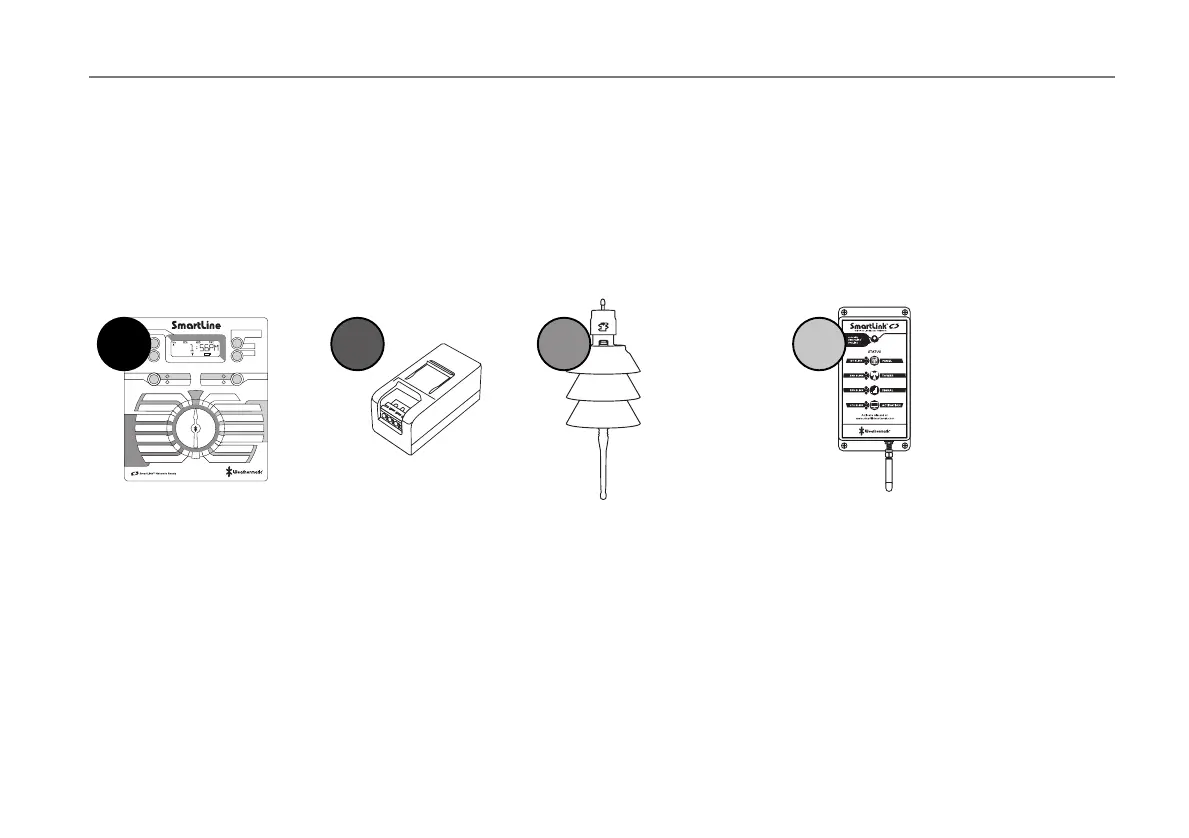
Choose the SmartLine
or ProLine controller
that fits your project.
2
Select the Station
Expansion Modules to
increase station count.
inch
1/2
3/4
1/4
1/8
3
Choose the appropriate
Weather Sensor or Rain
Sensor for your controller.
4
Connect the SmartLink
Aircard to your controller
for web-based access.
Build Your SmartLink Network
You can now expand your SmartLine controller to maximize water savings, improve efficiency and improve landscape beauty. After
ensuring you have the modules to accommodate all your zones, add an on-site Weather Sensor that takes into account rain and
freeze, but also adjusts for temperature and other conditions that impact the need for supplemental watering. Adding the SmartLink
aircard gives you reliable cellular connectivity and access to the SmartLink web application so you can program your controller and
manage it from from your computer, tablet or smartphone. This capability also includes water use reporting so you get real-time
visibility to the dramatic water savings from Smart irrigation and email alerts for indications of any issues that will impact water
savings and landscape beauty.



 To Next Page